Apartment Building Wi-Fi: Simple Safety Habits for iPhone
A plain guide for tenants, students, and short-term renters using shared apartment or building Wi-Fi.
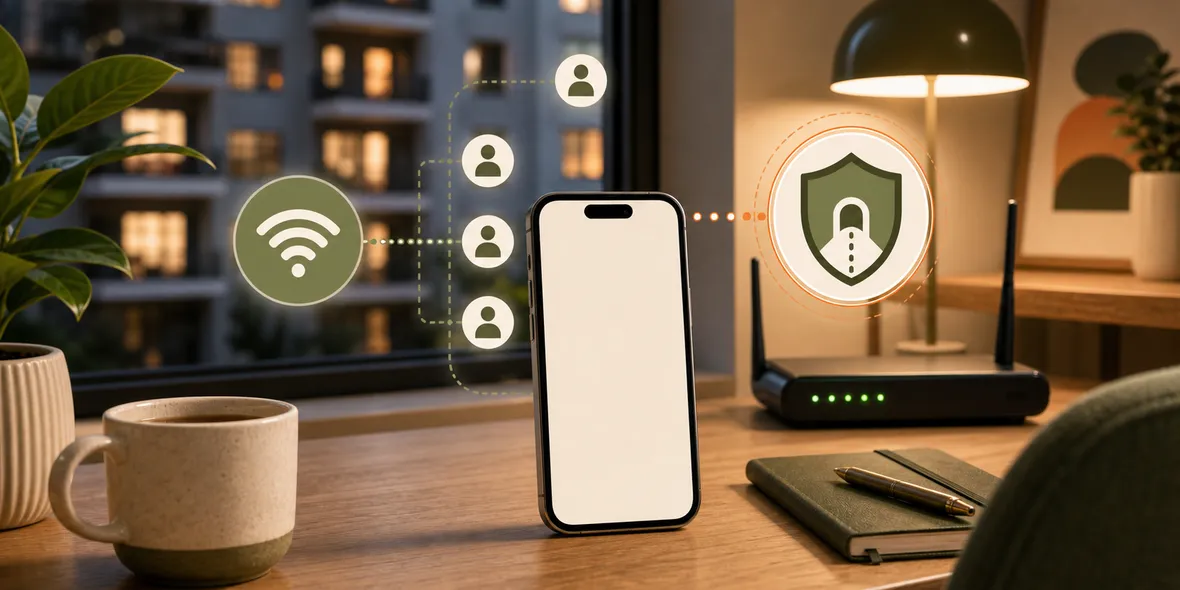
Quick Answer
Apartment building Wi-Fi can be convenient, but if many residents share the same network, you should treat it like shared Wi-Fi. Use strong account security, avoid unknown profiles, keep devices updated, and use a VPN for the connection layer when browsing or working on a network you do not control.
Best For
Search Intent
The reader wants to know whether apartment or building Wi-Fi is safe and whether a VPN helps.
Shareable Angle
Shared building Wi-Fi is not the same as your own router.
Apartment Wi-Fi can be confusing.
It is not a cafe. It is not a hotel lobby. It is where you live. So it feels private.
But if the building provides one shared network for many residents, the simple answer is: treat it like shared Wi-Fi.
Why Building Wi-Fi Is Different From Your Own Router
When you own the router, you can change the password, update settings, restart it, choose security options, and decide who gets access.
With building Wi-Fi, you may not control any of that.
The network may be managed by the landlord, a property company, a student housing provider, or a third-party internet company. Many people may use it. You may not know how it is segmented.
That does not automatically mean it is unsafe. It means you should not treat it exactly like a private home network.
When To Be Careful
Be careful when using building Wi-Fi for:
- Work accounts.
- Banking.
- Password changes.
- Cloud storage.
- Medical or school portals.
- Personal documents.
- Shopping accounts.
Use strong passwords and two-factor authentication. Keep your iPhone updated. Avoid installing unknown profiles or certificates. If something about the network setup feels strange, ask the building manager for documentation.
Should You Use Your Own Router?
If your housing setup allows it, your own router can give you more control.
But many apartments, student rooms, vacation rentals, and serviced housing setups do not make that easy. Sometimes shared Wi-Fi is simply what you have.
That is where safer habits matter.
Where VPN Fits
A VPN can help create a tunnel for your connection layer while using a network you do not control.
It does not fix the building router. It does not make weak account passwords strong. It does not stop phishing. But it can be useful when the network is shared and you need to browse, work, or manage accounts.
This is the same practical logic as hotel or campus Wi-Fi, just in a place where you spend more time.
A Simple Apartment Wi-Fi Routine
Try this:
- Ask who manages the network.
- Use strong device and account passwords.
- Turn on two-factor authentication.
- Avoid unknown device profiles.
- Use a VPN for browsing and work on the shared network.
- Use mobile data for the most sensitive tasks if needed.
None of this requires being technical.
How Sovatun Fits
Sovatun is useful when you want an iPhone VPN that does not require a separate node service or imported configuration.
You can use official locations built into the app, connect in one tap, and see usage clearly. That is helpful when shared building Wi-Fi becomes part of everyday life, not just travel.
Sovatun also keeps its data boundary clear. It does not collect browsing history, visited URLs, DNS query details, or raw traffic content.
Bottom Line
Apartment building Wi-Fi may feel private because it is at home.
If many residents share it and you do not control the router, treat it like shared Wi-Fi. Use good account habits and a VPN when the connection layer deserves extra care.
Quick Questions
Is apartment Wi-Fi public Wi-Fi?
It depends. If many residents share one managed network, treat it like shared Wi-Fi even if it is inside your building.
Should I get my own router?
If possible, having your own properly configured router can give you more control. If not, use safer shared-network habits.
Can a VPN help on apartment Wi-Fi?
Yes, a VPN can help with the connection layer when you browse on a network you do not control.