Apple Pay on Public Wi-Fi: What Is Already Protected and What Still Matters
A clear explanation of Apple Pay, public Wi-Fi, and when a VPN still matters for payment-related browsing.
Quick Answer
Apple Pay is designed with strong security and privacy features, and in-store Apple Pay transactions do not depend on public Wi-Fi the same way ordinary web browsing does. But public Wi-Fi still matters when you are shopping online, opening payment pages, checking receipts, or logging into accounts.
Best For
Search Intent
The reader wants to know whether Apple Pay is safe on public Wi-Fi and whether VPN helps.
Shareable Angle
Apple Pay is strong. The shopping page around it still deserves attention.
Apple Pay feels safer than typing card details into a website. That is one reason people like it.
But what if you are on public Wi-Fi?
The simple answer: Apple Pay itself is designed with strong security and privacy features. The bigger concern is usually the shopping page, login page, receipt page, or account you are using around the payment.
Apple says Apple Pay is designed with security and privacy in mind and uses device hardware and software security features. You can read Apple’s overview here: Apple Pay security and privacy overview.
In-Store Apple Pay Is Different
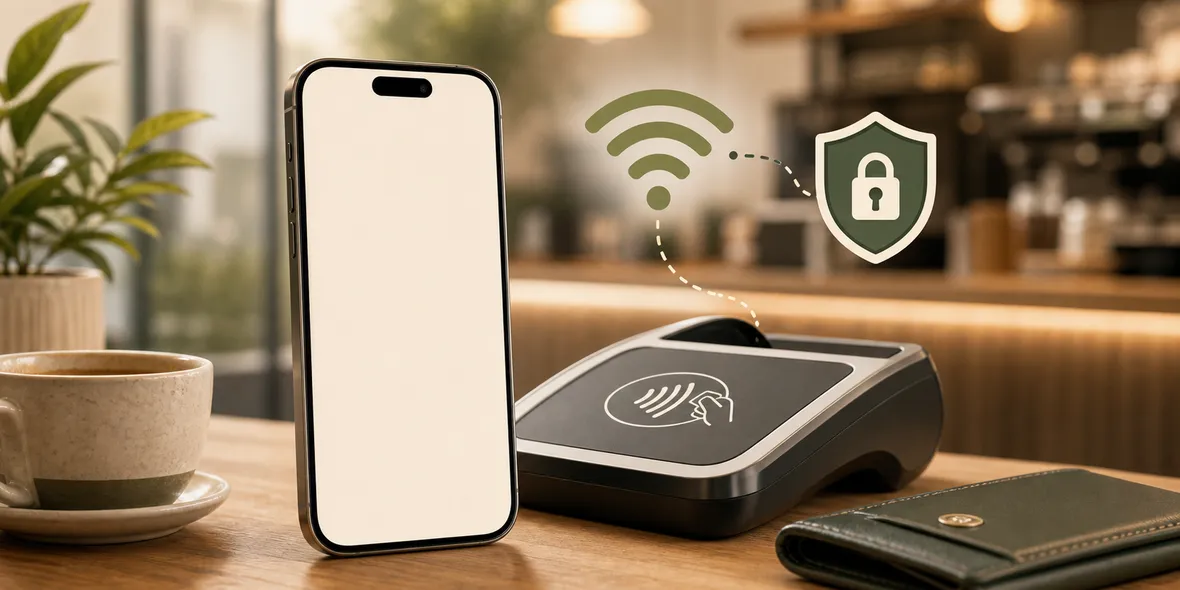
If you tap your iPhone at a payment terminal, that is not the same as typing card numbers over public Wi-Fi.
Apple Pay has its own payment design. The public Wi-Fi network in the cafe is not the main thing making that tap secure or insecure.
So if you are buying coffee with Apple Pay at the counter, the Wi-Fi question is usually not the center of the risk.
Online Shopping Is Different
Online shopping on public Wi-Fi has more moving parts.
You may open a shop page, log into an account, view saved addresses, check order history, open email receipts, enter a password, or follow a promotion link.
Apple Pay can help with the payment step, but it does not make every shopping website legitimate. It does not stop phishing. It does not verify that a link in an email is safe.
That is where normal web safety still matters.
What To Do Before Buying
If you are shopping on public Wi-Fi:
- Use the official website or app.
- Avoid links from suspicious messages.
- Check that the page uses HTTPS.
- Do not install unknown profiles or certificates.
- Use mobile data for sensitive account changes when practical.
- Turn on VPN before browsing if you stay on shared Wi-Fi.
This is not complicated. It is just slower and more deliberate than tapping the first link you see.
Where VPN Helps
A VPN helps with the connection layer on shared Wi-Fi.
It does not make a fake store real. It does not stop a scam link. It does not replace Apple Pay’s own security design.
But if you need to browse, compare products, log into accounts, and check receipts on shared Wi-Fi, using a VPN is a reasonable habit.
How Sovatun Fits
Sovatun is built for everyday public Wi-Fi moments like this.
You do not need to configure a technical VPN client before ordering something or checking a receipt. Sovatun is an all-in-one iPhone VPN with official locations built in, one-tap connection, and clear usage.
It is also careful with privacy wording. Sovatun does not collect browsing history, visited URLs, DNS query details, or raw traffic content.
Bottom Line
Apple Pay is designed with strong security.
Public Wi-Fi still matters when you are browsing stores, logging into accounts, checking receipts, or following links. Use Apple Pay wisely, check the site, and use a VPN when shared Wi-Fi is the network you have.
Quick Questions
Does Apple Pay need public Wi-Fi to be safe?
Apple Pay has its own security design. The bigger public Wi-Fi concern is often the website, login, receipt, or account page around the payment.
Should I use VPN when shopping online on public Wi-Fi?
It can be a useful connection-layer habit if you need to shop or browse on shared Wi-Fi.
Does VPN make a fake shop safe?
No. A VPN does not prove a website is legitimate. You still need to check the site and avoid suspicious links.