Cafe Wi-Fi and Work Accounts: Reduce the Easy Risks First
A simple guide for iPhone users checking work email, dashboards, and documents on cafe Wi-Fi, with practical steps and honest VPN limits.
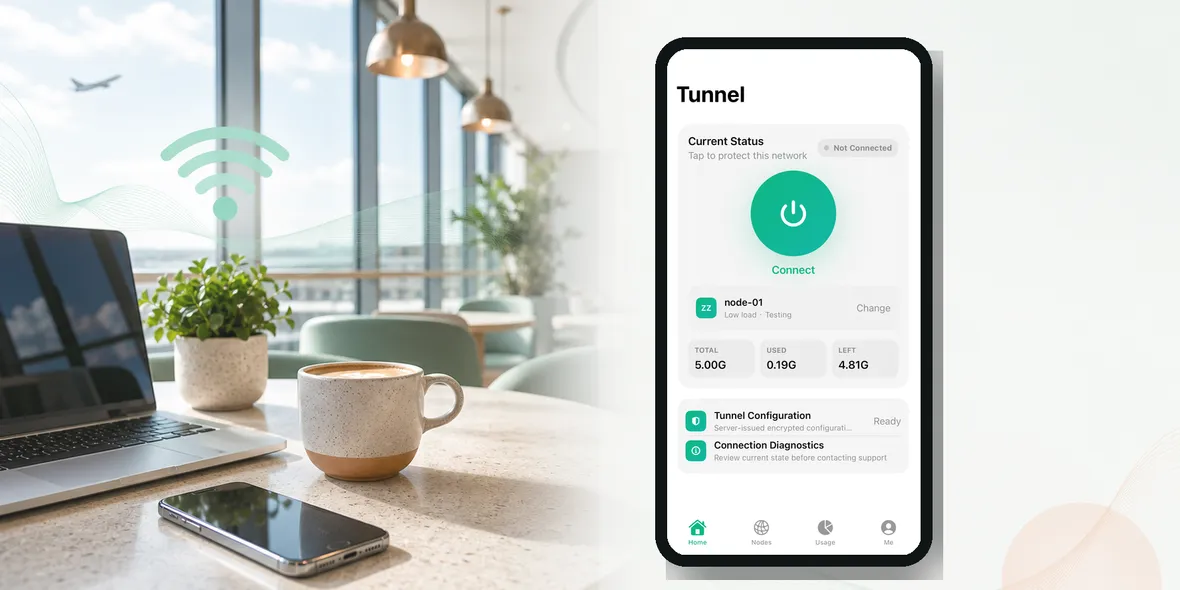
Cafe Wi-Fi is one of the most normal things in modern work. You order coffee, open your iPhone, connect to Wi-Fi, and check a message before the next meeting.
So can cafe Wi-Fi put work accounts at risk?
The honest answer is: it depends on what you do, but you should treat cafe Wi-Fi as a shared network. If you are opening work email, dashboards, documents, or payment tools, it is worth being more careful.
You do not need to be afraid of every cafe network. You just need a simple routine.
Why Cafe Wi-Fi Is A Real Work Scenario
People do not only use cafe Wi-Fi for Instagram or maps.
They use it to:
- Reply to work email
- Open project links
- Check calendar invites
- Download files
- Use team chat
- Review invoices
- Sign into dashboards
- Join quick calls
That is a lot of account activity happening on a network you do not control.
The cafe may be trustworthy. The staff may be friendly. The coffee may be excellent. But the Wi-Fi is still public or semi-public.
What Makes Cafe Wi-Fi Different From Home Wi-Fi
At home, your router is yours. You know the network name. You decide who uses it.
At a cafe, the password may be printed on a receipt, written on a wall, or shared with anyone who asks. The same network may be used by dozens of customers every day.
Some cafes have good network setups. Some do not. As a customer, you usually cannot tell.
That uncertainty is the reason for caution.
The Most Common Mistake
The most common mistake is connecting first and thinking later.
You see a network name that looks right, join it, and start working. Maybe there are two similar names. Maybe one is official and one is not. Maybe the login page redirects you somewhere strange.
When you are only checking a menu, that may not feel important. When you are logging into work accounts, it matters more.
What A VPN Helps With
A VPN helps by creating a private tunnel for your iPhone connection. On public Wi-Fi, that can reduce exposure at the connection layer.
This is useful for cafe Wi-Fi because you do not control the network and you do not know who else is connected.
But a VPN is not a full work security system. It does not stop phishing links. It does not know whether a website is fake. It does not replace your company’s security policies. It does not prevent a work app from collecting its own data.
Use a VPN as one part of the routine, not the whole routine.
A Safer Cafe Wi-Fi Routine
Before opening work accounts:
- Ask staff for the official Wi-Fi name if you are unsure.
- Avoid lookalike network names.
- Connect your iPhone.
- Turn on your VPN.
- Open work tools through trusted apps or known URLs.
- Do not approve unexpected login prompts.
- Disconnect when you leave.
This sounds like a lot, but after a few times it becomes automatic.
When You Should Avoid Cafe Wi-Fi
Use mobile data instead if:
- You are handling sensitive client information
- You are approving payments
- You are changing account security settings
- The Wi-Fi login page looks suspicious
- The network keeps redirecting you
- Your company requires mobile data or a corporate VPN
Not every task belongs on cafe Wi-Fi. Quick email may be fine. Sensitive admin work may not be.
Simple Account Habits That Help
Even with a VPN, keep these habits:
- Use two-factor authentication
- Avoid reusing passwords
- Do not click strange links from email
- Keep your iPhone updated
- Sign out of tools you do not need
- Lock your screen when you step away
These basics matter because many account problems start with passwords, phishing, or careless clicks, not just Wi-Fi.
A Real Cafe Example
You are waiting between meetings. You have 20 minutes. You connect to cafe Wi-Fi and open a project dashboard.
That one action may include your login, company data, task comments, file names, and private links.
If you take one minute to confirm the network and turn on a VPN first, you have improved the situation without changing your whole day.
That is the kind of practical protection most people actually need.
Where Sovatun Fits
Sovatun is designed for simple iPhone public Wi-Fi moments like this. It gives you a private tunnel without a complicated setup, and it keeps usage visible so you know what is happening in your current cycle.
Sovatun does not collect browsing history, visited URLs, DNS query details, or raw traffic content. That is a clear boundary, not a vague privacy slogan.
Use Sovatun before opening work accounts on cafe Wi-Fi and other shared networks.
Bottom Line
Cafe Wi-Fi is convenient, and most people will keep using it.
The better question is not “should I never use cafe Wi-Fi?” The better question is “what am I about to open?”
If it is personal or work-related, confirm the network, turn on your VPN, and use trusted apps. That is a small habit with real value.