Coworking Guest Wi-Fi: A Simple VPN Routine for iPhone
A practical guide for freelancers, remote workers, and founders using coworking guest Wi-Fi on iPhone.
Quick Answer
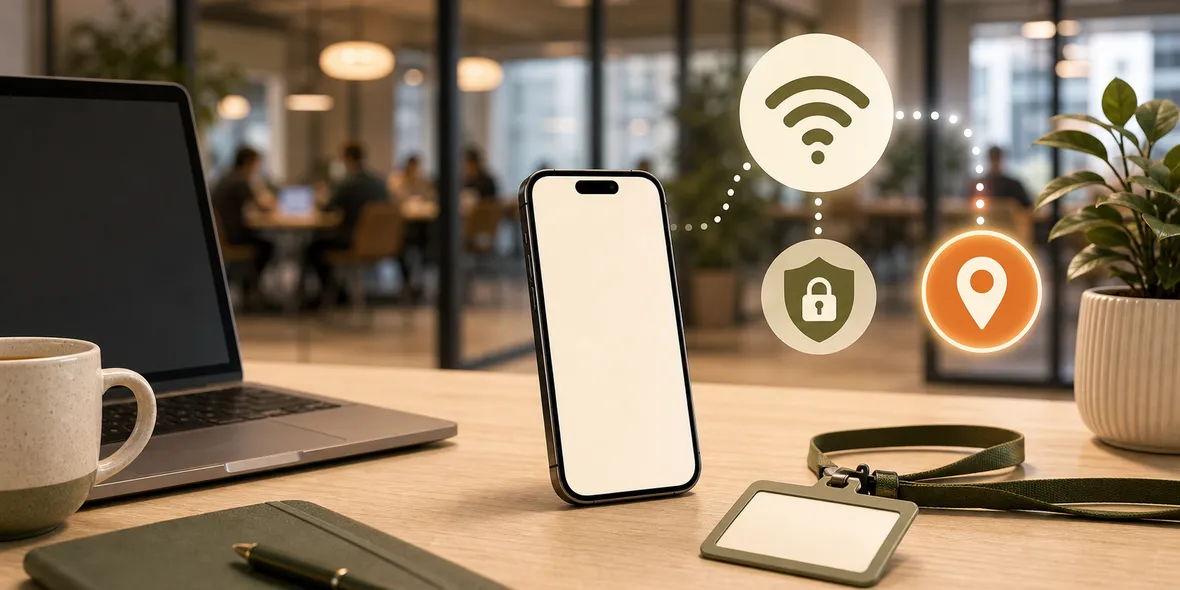
Yes, using a VPN on coworking guest Wi-Fi is a sensible habit if you open work accounts, email, documents, dashboards, or client tools. Coworking Wi-Fi may be professionally managed, but guest networks are still shared networks you do not control.
Best For
Search Intent
The reader wants to know whether coworking guest Wi-Fi needs VPN protection.
Shareable Angle
A polished coworking space can still have shared guest Wi-Fi.
Coworking spaces feel professional.
There is a front desk, meeting rooms, clean desks, good coffee, and a guest Wi-Fi password on the wall.
The simple answer: coworking guest Wi-Fi may be better managed than a random cafe network, but it is still shared Wi-Fi. If you use it for work, a VPN is a sensible habit.
Why Coworking Wi-Fi Feels Trustworthy
Coworking spaces are built for work.
That makes people relax. They open dashboards, email, Notion pages, cloud files, CRM tools, invoices, analytics, GitHub, bank accounts, and client documents.
The setting feels business-like, so the network feels business-like too.
But a guest network is still a network used by many people. You probably do not manage the router, firewall, segmentation, logs, or access policy.
What To Use Extra Care For
Use extra care with:
- Work email.
- Client documents.
- Admin dashboards.
- Cloud storage.
- Finance tools.
- Password managers.
- Developer accounts.
- Customer data.
This does not mean you cannot work from coworking Wi-Fi. It means your workday should have a basic network habit.
What A VPN Helps With
A VPN helps with the connection layer when you use a shared network.
It does not replace company security rules. If your employer requires a company VPN, device management, or specific security tools, follow that policy.
But for freelancers, solo founders, creators, and independent workers, a simple VPN can be a practical part of using shared guest Wi-Fi.
A Simple Coworking Routine
Try this routine:
- Ask staff for the official guest network name.
- Avoid lookalike networks.
- Complete the official login page.
- Turn on VPN before opening work accounts.
- Use two-factor authentication.
- Lock your screen when stepping away.
- Turn off Auto-Join if the space was a one-time visit.
This routine is boring in a good way. It keeps the network part simple.
How Sovatun Fits
Sovatun is built for users who want a VPN without becoming network admins.
It is an all-in-one iPhone VPN with official locations built in, one-tap connection, 5GB free VPN traffic, and clear usage. There are no external config links, QR imports, separate node purchases, or protocol decisions.
That makes it useful for coworking days where you need to get work done, not debug a VPN setup.
Sovatun does not collect browsing history, visited URLs, DNS query details, or raw traffic content.
Bottom Line
Coworking guest Wi-Fi can be convenient and professionally managed.
It is still shared Wi-Fi. Verify the network, use strong account security, and turn on VPN before work browsing when you do not control the network.
Quick Questions
Is coworking Wi-Fi safer than cafe Wi-Fi?
It may be better managed, but guest Wi-Fi is still shared. Use the same basic precautions for work accounts.
Should I use VPN for client work?
Yes, it is a reasonable habit when using shared Wi-Fi for work email, dashboards, documents, or client systems.
Does VPN replace company security tools?
No. Follow your company security policy. A personal VPN is not a replacement for required enterprise tools.