Fake Wi-Fi Hotspots and Travel in 2026: What Normal Users Should Notice
A simple guide explaining fake Wi-Fi hotspots, why travelers notice them, how to spot risky network names, and how a VPN fits into safer public Wi-Fi habits.
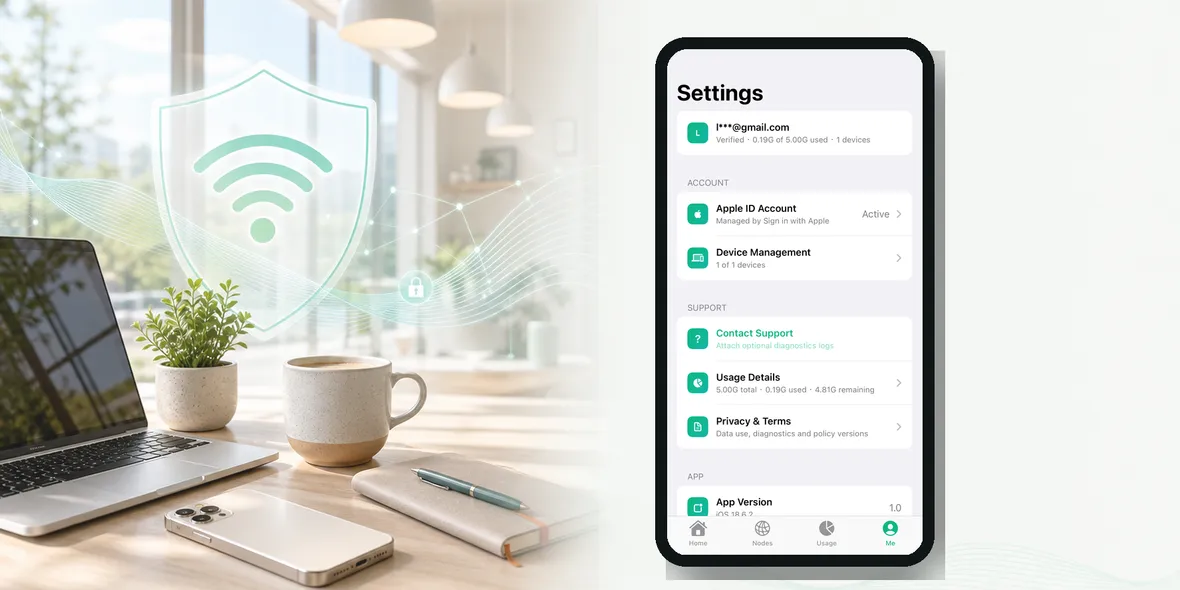
If you have ever opened your iPhone in an airport, hotel, or train station and seen five different Wi-Fi names that all look possible, you already understand the problem.
Travelers worry about fake Wi-Fi hotspots because public places make it easy to copy a name that sounds official.
A fake hotspot is not always obvious. It may look like a normal guest network. It may use the name of the airport, hotel, cafe, or event venue. If you are tired or rushing, you might connect without checking.
The Simple Answer
A fake Wi-Fi hotspot is a network that pretends to be official or trustworthy. The risk is that users may connect to it and then browse, log in, or enter information while using a network controlled by someone else.
This does not mean every public Wi-Fi network is fake. It means you should verify before connecting, especially while traveling.
The best defense is a simple habit: confirm the network name, avoid strange login pages, turn on a VPN before personal browsing, and leave the network if anything feels wrong.
Why Travelers Are An Easy Target
Travelers are often distracted.
They may be:
- Looking for a gate
- Waiting for baggage
- Trying to contact a driver
- Checking hotel details
- Managing kids
- Saving mobile data
- Working between flights
That creates perfect conditions for mistakes. People connect quickly. They tap through login pages. They do not always check spelling or ask staff.
Fake hotspots take advantage of that rushed behavior.
What Fake Wi-Fi Names Can Look Like
Fake or risky networks may use names like:
- Free Airport WiFi
- Airport Guest Free
- Hotel Lobby WiFi
- Terminal Public Wi-Fi
- Cafe Free Internet
- Lounge Guest
The name alone does not prove a network is fake. The issue is that generic names are easy to imitate.
If the official network is “City Airport WiFi” and you see “City Airport Free WiFi 5G” nearby, do not guess. Look for signs, check the venue website, or ask staff.
Signs You Should Be Careful
Pause if:
- The network name is misspelled
- Several similar names appear
- The login page looks unusual
- The page asks for unnecessary personal details
- Your browser shows a security warning
- You are redirected to a strange site
- The Wi-Fi works before any official login when the venue says login is required
None of these signs prove danger by themselves, but they are enough reason to stop and verify.
What Could Go Wrong?
The main problem is trust. When you connect to a network you do not know, you do not control the path your traffic takes at the local network level.
Modern HTTPS websites protect many connections, but travelers still make risky choices. They may open a fake login page, enter an account password, approve a verification prompt, or download something they should not.
A fake hotspot can also create confusion. If the connection is unstable or pages behave strangely, users may keep trying because they need to get online.
That is why the safest move is to leave questionable Wi-Fi quickly.
What A VPN Helps With
A VPN helps create a private tunnel for your connection after you connect to Wi-Fi. On public networks, this can reduce exposure at the connection layer.
That is useful if you are using airport, hotel, cafe, or train station Wi-Fi.
But a VPN does not make a fake website safe. If you enter your password into a phishing page, a VPN cannot fix that. If you approve a scam request, a VPN cannot undo it.
So the order matters:
- Verify the network.
- Connect.
- Turn on the VPN.
- Use trusted apps and websites.
Do not use a VPN as an excuse to ignore suspicious Wi-Fi signs.
A Traveler’s Quick Checklist
Before using public Wi-Fi:
- Ask: is this the official network name?
- Ask: does the login page look normal?
- Ask: do I really need Wi-Fi, or can I use mobile data?
- Ask: am I about to open a personal account?
- Ask: is my VPN on before I browse?
This checklist works because it is short. You can use it at an airport gate, hotel lobby, cafe table, or train platform.
Where Sovatun Fits
Sovatun is built for the moment after you have confirmed the network and before you start personal browsing. It gives your iPhone a simple private tunnel without asking you to manage complicated settings.
Sovatun does not collect browsing history, visited URLs, DNS query details, or raw traffic content. That clear boundary is important when you are choosing a VPN for everyday travel use.
Use Sovatun for public Wi-Fi, travel days, and shared networks you do not control.
Bottom Line
Fake Wi-Fi hotspots are worrying because they look normal at the exact moment travelers are least patient.
You do not need to become paranoid. You need a routine: verify the name, avoid strange login pages, turn on your VPN before personal browsing, and use mobile data when something feels off.
That is simple enough to remember when travel gets busy.