Fewer VPN Settings Can Be Better for Beginners
A simple explanation of why fewer VPN settings can be helpful for non-technical iPhone users, and when advanced users may want more control.
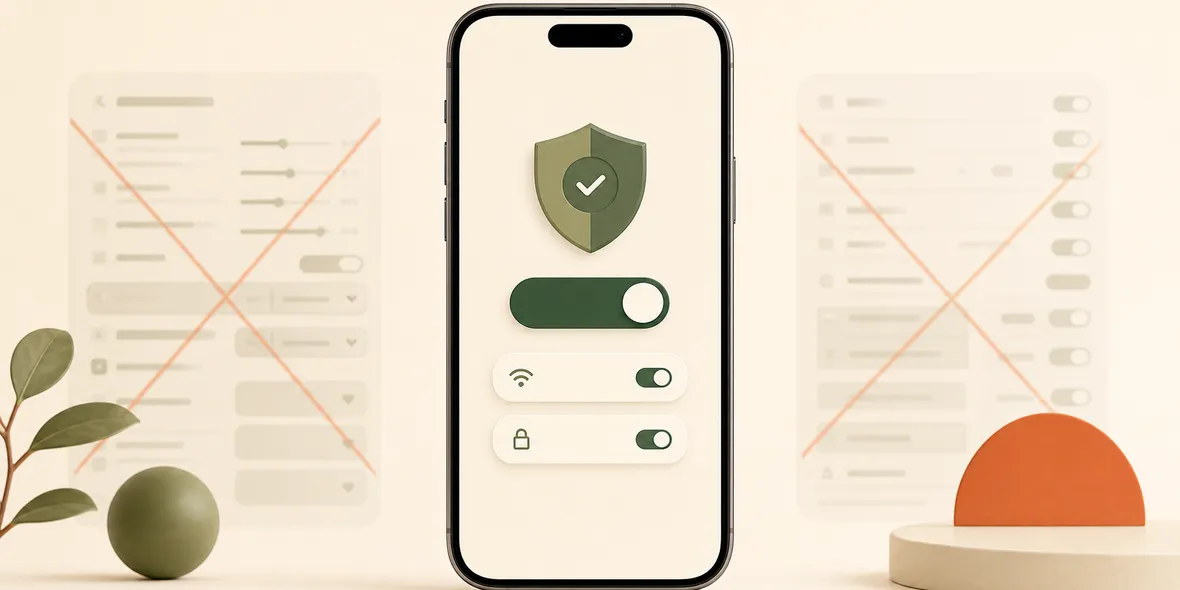
Quick Answer
For beginners, a VPN app with fewer settings can be better if the provider is clear, the official locations are built in, and the app explains its data practices. Fewer settings are not automatically safer, but they can reduce mistakes and setup confusion.
Best For
Search Intent
The reader wants to know whether a simple VPN app is enough or whether advanced settings are necessary.
Shareable Angle
More VPN settings are not always more useful. Sometimes they are just more ways to get stuck.
Many VPN apps look like they were designed for people who enjoy network settings.
There are protocols, routes, regions, config imports, QR codes, split rules, subscription links, manual server choices, latency numbers, and advanced toggles.
For some users, that is powerful. For beginners, it can be a reason to quit.
The simple answer: fewer VPN settings can be better for beginners if the app is clear, honest, and complete enough to use without outside configuration.
More Settings Can Mean More Confusion
If you already understand VPN protocols and server profiles, settings can be useful.
But most people searching for an iPhone VPN are not trying to build a custom network stack. They are trying to do something normal:
- Use hotel Wi-Fi.
- Work from a cafe.
- Check email while traveling.
- Browse on campus Wi-Fi.
- Avoid importing unknown configuration files.
For that user, too many settings can make the product feel broken even when it is not.
Where Beginners Make Mistakes
Beginners often get stuck in a few places:
- Choosing the wrong server list.
- Importing a config link from a provider they do not understand.
- Buying a node service separately and not knowing how to connect it.
- Selecting a protocol without knowing the tradeoff.
- Contacting the app developer when the real problem is the external node provider.
That is not the user’s fault. It is a product design problem.
What A Beginner-Friendly VPN Should Do
A beginner-friendly VPN should answer these questions quickly:
- What do I tap?
- Which location should I use?
- Am I connected?
- How much traffic have I used?
- What data does the VPN say it does not collect?
- Where do I get help?
If those questions are easy, the app already solves a big part of the problem.
When Advanced Settings Matter
There are users who should choose advanced tools.
If you want custom rules, external nodes, personal config files, manual protocols, self-hosted servers, or complex routing, a simple all-in-one VPN may feel limiting.
That is okay. Not every VPN should serve every user.
The key is honest positioning. A simple VPN should not pretend to be an advanced networking toolkit. An advanced client should not pretend to be easy for everyone.
How Sovatun Thinks About Simplicity
Sovatun is made for iPhone users who want the simple path: download, open, connect.
Official locations are built into the app. Users do not need to buy nodes separately, import external configuration links, scan QR profiles, or choose protocols before connecting.
That design is intentional. It reduces flexibility for advanced users, but reduces friction for people who want a practical VPN for public Wi-Fi and travel.
Sovatun also makes usage visible and uses specific privacy wording. It does not collect browsing history, visited URLs, DNS query details, or raw traffic content.
Bottom Line
A VPN with fewer settings is not automatically better for everyone.
But for beginners, fewer settings can mean fewer mistakes, less confusion, and a better chance they will actually use the VPN when public Wi-Fi makes it useful.
Quick Questions
Are fewer VPN settings always better?
No. Technical users may need advanced control. Beginners often benefit from fewer choices if the service is clear and trustworthy.
Does simple mean less secure?
Not necessarily. The important questions are who operates the service, how it handles data, and whether the setup is clear.
Who should avoid a simple VPN?
People who want external node imports, custom routing, manual protocols, or advanced rules may prefer a technical client.