Hotel Wi-Fi for Remote Work This Summer: A Simple iPhone Checklist
A practical guide for remote workers using hotel Wi-Fi on iPhone, with simple checks, realistic VPN expectations, and safer travel habits.
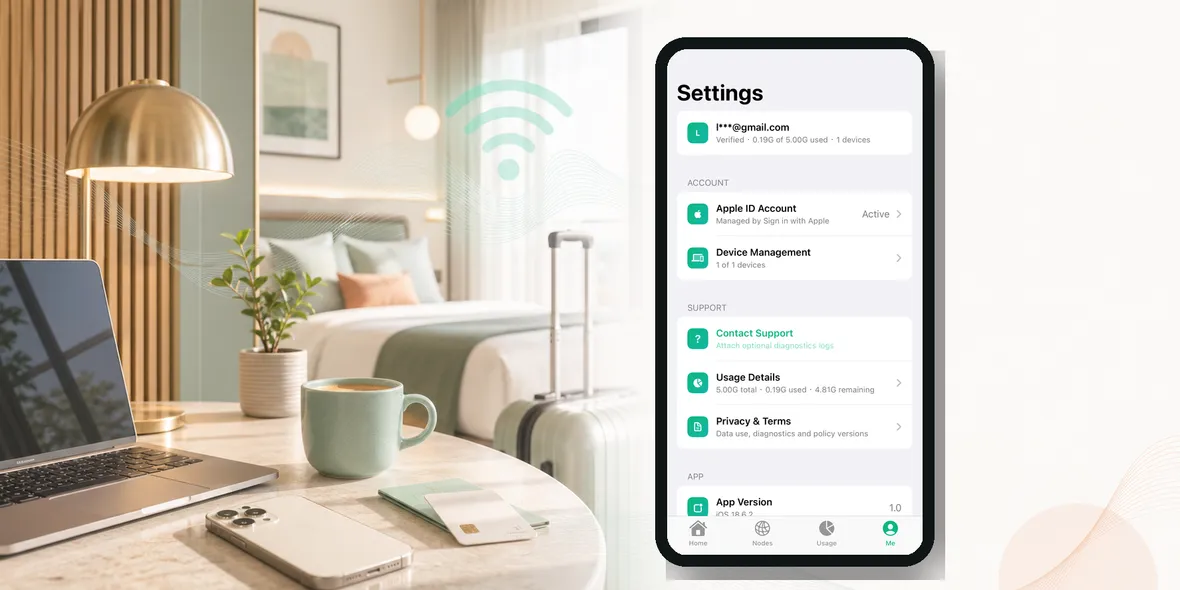
If you plan to work from a hotel this summer, you may wonder whether hotel Wi-Fi is safe enough for email, Slack, documents, calls, and account logins.
The simple answer is: hotel Wi-Fi is convenient, but you should treat it like a shared network. It is not the same as your home office connection.
That does not mean you cannot work from a hotel. Plenty of people do. But if you are opening work accounts, client files, admin dashboards, or payment tools, you should add a few habits before you start.
Why Hotel Wi-Fi Feels Safe
Hotel Wi-Fi often feels more trustworthy than airport or cafe Wi-Fi because it is connected to a real business. You checked in. You are staying there. The network name may match the hotel name.
That feeling is understandable.
But hotel Wi-Fi is still shared by many guests. Rooms, lobby areas, meeting spaces, restaurants, and event halls may all use the same or related networks. You usually do not know who manages the setup, how often the password changes, or whether the network is segmented well.
Even if the hotel is honest and professional, the network is not under your control.
What Remote Workers Usually Do On Hotel Wi-Fi
Remote work is rarely just “checking one email.”
A normal hotel work session might include:
- Signing into email
- Opening cloud documents
- Joining video calls
- Using messaging apps
- Accessing project management tools
- Opening invoices or payment pages
- Logging into company dashboards
- Sending files
These are more sensitive than casual browsing. That is why hotel Wi-Fi deserves more care than scrolling news or checking restaurant reviews.
The Biggest Mistake
The biggest mistake is treating hotel Wi-Fi like home Wi-Fi because it feels private.
Your hotel room is private. The Wi-Fi may not be.
People also make mistakes when they are tired. After a long flight, they connect to Wi-Fi, open their laptop or iPhone, and start working without checking the network name or turning on a VPN.
That is exactly when a repeatable routine helps.
A Simple Hotel Wi-Fi Work Routine
Before opening work accounts, do this:
- Confirm the official Wi-Fi name with the front desk, hotel app, or room card.
- Avoid strange duplicate networks with similar names.
- Connect your iPhone.
- Turn on your VPN.
- Use company-approved tools and trusted websites.
- Sign out of sensitive sessions when finished.
If the hotel login page asks for too much personal information, pause. If it asks for payment details unexpectedly, confirm with the hotel.
When Mobile Data Is Better
Sometimes the safest choice is not Wi-Fi at all.
Use mobile data when:
- The hotel Wi-Fi name is unclear
- The login page looks suspicious
- The network is unstable
- You need to handle very sensitive work
- Your company policy requires it
A VPN helps with public Wi-Fi, but it is not a replacement for company security rules. If your employer gives specific remote work instructions, follow those first.
What A VPN Helps With
A VPN creates a private tunnel for your connection. On hotel Wi-Fi, that can help protect the connection layer while you browse or use online services.
This is useful because you do not control the hotel network. You may not know who else is connected or how the network is configured.
But a VPN does not stop every remote work risk. It does not prevent you from opening a phishing email. It does not verify that a website is real. It does not replace strong passwords, two-factor authentication, or your company’s device security.
The best approach is simple: VPN plus good account habits.
A Quick Checklist Before You Work
Ask yourself:
- Am I on the official hotel network?
- Is my VPN on?
- Am I using trusted apps or typed URLs?
- Is two-factor authentication enabled?
- Am I avoiding strange links from email?
- Do I need to use mobile data instead?
This checklist takes less than one minute. It can prevent a lot of avoidable mistakes.
What About Video Calls?
Video calls can use more data, so people sometimes turn off a VPN if the connection feels slow. That may be reasonable depending on the call and the network.
If the call is casual, you may decide speed matters more. If the call includes sensitive work, client information, or internal discussion, keep the VPN on if performance is acceptable.
The practical rule is to know what kind of work you are doing. Not every task has the same risk.
Where Sovatun Fits
Sovatun is designed for simple iPhone public Wi-Fi use. If you are working from a hotel lobby, room, cafe area, or airport lounge, it gives you a straightforward private tunnel before opening work apps.
Sovatun does not collect browsing history, visited URLs, DNS query details, or raw traffic content. It also shows usage clearly, which is helpful when you are traveling and want to know how much of your plan you have used.
Use Sovatun for hotel Wi-Fi, remote work travel, and shared networks.
Bottom Line
Hotel Wi-Fi is not automatically unsafe, but it is still public enough to deserve caution.
Confirm the network. Turn on your VPN before work accounts. Keep two-factor authentication on. Use mobile data when the situation feels questionable.
That is a realistic routine for working from a hotel without turning every trip into a security lecture.