iPhone AI Privacy Features and VPNs: Different Layers, Different Jobs
A plain explanation of why iPhone AI privacy improvements and VPNs solve different problems.
Quick Answer
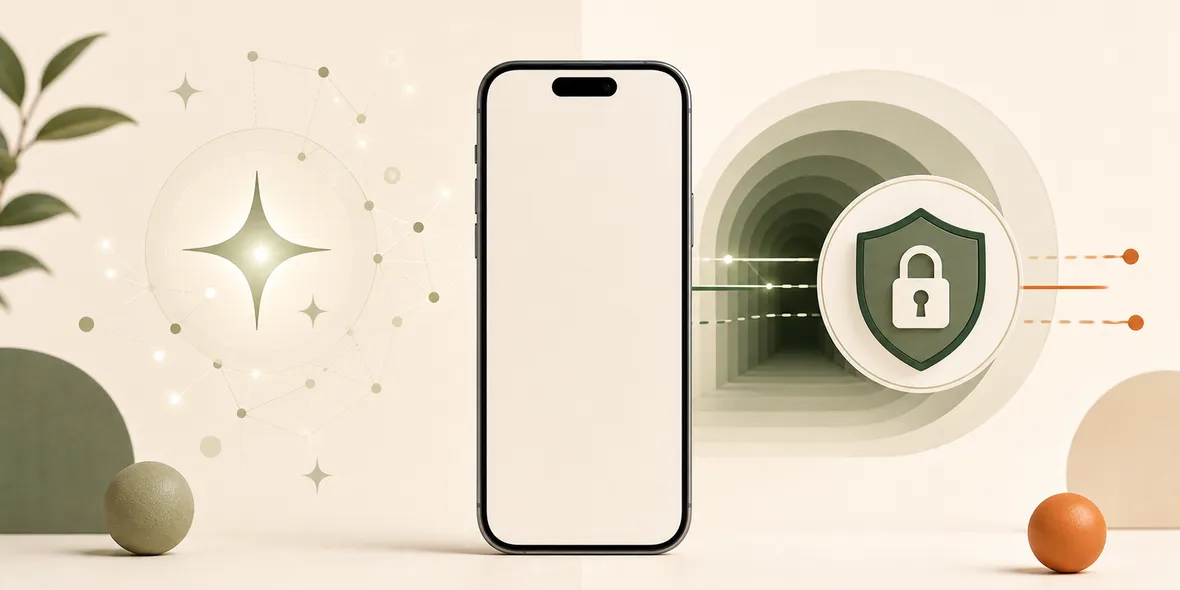
No. iPhone AI privacy features and VPNs solve different problems. Apple Intelligence and Siri AI privacy features focus on how AI requests and personal data are handled. A VPN focuses on the network connection path, especially on shared Wi-Fi. One does not replace the other.
Best For
Search Intent
The reader wants to know whether Apple's AI privacy features make a VPN unnecessary.
Shareable Angle
Apple AI privacy and VPN privacy are not the same layer.
Apple’s WWDC26 made AI privacy a big topic again.
Apple announced the next generation of Apple Intelligence, Siri AI, parental controls, and software improvements across its platforms on June 8, 2026. The official announcement is here: Apple unveils next generation of Apple Intelligence, Siri AI, and more.
So a fair question is: if iPhone privacy keeps improving, do you still need a VPN?
The simple answer is no, AI privacy features do not replace a VPN. They solve different problems.
What AI Privacy Features Are About
AI privacy features are mainly about how personal data is handled when AI features answer questions, summarize information, edit text, understand context, or work across apps.
That matters. Your phone contains messages, photos, emails, notes, location hints, and app activity. If AI features use that information, privacy design matters a lot.
But this is not the same as public Wi-Fi.
What A VPN Is About
A VPN is about the network connection path.
When you are on hotel Wi-Fi, cafe Wi-Fi, library Wi-Fi, airplane Wi-Fi, or shared office Wi-Fi, you are using a network you do not control. A VPN can help create a private tunnel for the connection layer after you join that network.
It does not make AI smarter. It does not replace app permissions. It does not stop phishing. It does not control what you type into websites.
It solves a different part of the problem.
A Real Example
Imagine you are in a cafe using public Wi-Fi.
You ask Siri AI to help rewrite a message. That is one privacy question: how is the AI request handled?
Then you open a travel booking page, email, and a few websites over the cafe Wi-Fi. That is another privacy question: what happens on the network connection path?
Both questions matter. They are not the same question.
What To Do As A Normal User
Think in layers.
Use iPhone privacy settings for app permissions, location, tracking, and AI-related choices.
Use good account habits for passwords, two-factor authentication, and phishing awareness.
Use VPN when you are browsing on shared Wi-Fi and want a connection-layer tunnel.
No single setting replaces all the others.
How Sovatun Fits
Sovatun is not trying to replace Apple’s privacy features.
It is a simple iPhone VPN for shared networks. The product is designed around one app, official locations, no external config links, one-tap connection, and clear usage.
That makes sense for people who want a practical public Wi-Fi habit without learning VPN protocols or buying nodes separately.
Sovatun also keeps its data boundary specific: it does not collect browsing history, visited URLs, DNS query details, or raw traffic content.
Bottom Line
iPhone AI privacy features and VPNs are different layers.
Use Apple’s privacy tools for device and AI-related controls. Use a VPN when the network itself is shared and you want a simpler connection-layer habit.
Quick Questions
Does Apple Intelligence replace a VPN?
No. Apple Intelligence privacy features relate to AI processing and personal data handling. A VPN relates to network routing and shared Wi-Fi connections.
Do I still need safe Wi-Fi habits?
Yes. AI privacy improvements do not verify public Wi-Fi names, stop fake login pages, or replace connection-layer protection.
Where does Sovatun fit?
Sovatun fits when you are using shared Wi-Fi and want a simple iPhone VPN without external configuration.