iPhone Privacy Settings and VPNs Solve Different Problems
A simple guide to iPhone privacy features, public Wi-Fi, VPN connection-layer protection, and why these tools solve different problems.
Quick Answer
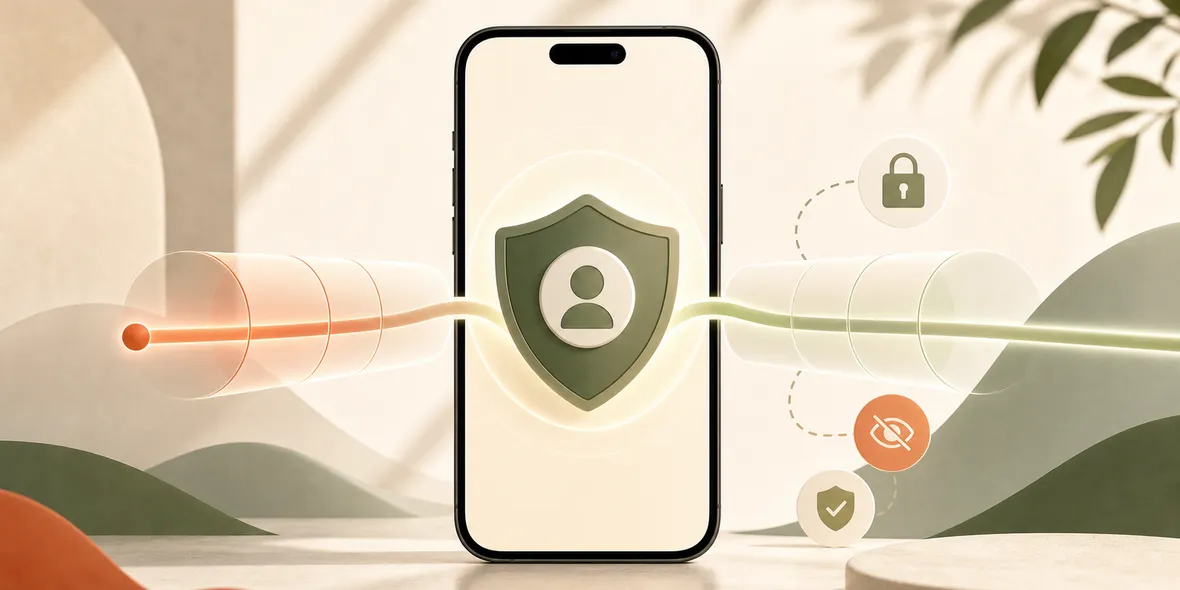
iPhone privacy settings help with many device and app privacy controls, but they do not fully replace a VPN. A VPN is about the connection layer, especially on shared Wi-Fi. iPhone settings, HTTPS, app permissions, and a VPN can work together instead of competing.
Best For
Search Intent
The reader wants to know whether iPhone privacy features make a VPN unnecessary.
Shareable Angle
iPhone privacy settings are useful. A VPN answers a different question: what happens when the network is not yours?
Apple talks a lot about privacy, and iPhone does include many useful privacy controls.
That leads to a fair question: do iPhone privacy settings replace a VPN?
The simple answer is no. They solve different problems.
Apple’s current iOS messaging focuses heavily on privacy and Apple Intelligence features. Apple’s iOS page describes device-level and AI-related privacy improvements around iPhone experiences: iOS on Apple.com
Those features can matter. But they do not mean every network question disappears.
What iPhone Privacy Settings Help With
iPhone privacy settings can help you control things like:
- app permissions
- location access
- microphone and camera access
- tracking preferences
- Safari privacy options
- account and device settings
These are important. They help you decide what apps can access on your device.
But public Wi-Fi is a different layer.
What A VPN Helps With
A VPN helps at the connection layer. When connected, your iPhone traffic goes through a private tunnel to the VPN service.
That can be useful when you are on shared Wi-Fi, especially in places like hotels, airports, cafes, campuses, train stations, and shared offices.
The VPN does not replace app permissions. It does not stop every tracking method. It does not make phishing safe. It does not erase what you type into a website.
It helps with the network path.
Why These Tools Work Together
Think of it this way:
- iPhone privacy settings help manage what apps can access.
- HTTPS helps protect browser connections to websites.
- A VPN helps when the network itself is shared or unfamiliar.
- Good habits help you avoid scams and fake pages.
You do not need to choose one and ignore the rest.
A Real Situation
You are at an airport and your iPhone privacy settings are already configured well. That is good.
But the airport Wi-Fi is still a network you do not control. You may not know who operates it, whether the network name is correct, or who else is nearby.
Before checking email or travel accounts, turning on a VPN can still be a reasonable step.
Where Sovatun Fits
Sovatun is not trying to replace iPhone privacy settings. It is an all-in-one iPhone VPN for shared network moments.
The product direction is simple: no external configuration, official locations built in, one-tap connection, 5GB of free VPN traffic, and clear usage.
Sovatun also keeps data boundary language specific. It does not collect browsing history, visited URLs, DNS query details, or raw traffic content.
Bottom Line
iPhone privacy settings are useful. Keep using them.
But they do not replace every reason someone might use a VPN. If the network is shared and you want a simple connection-layer habit, a VPN still has a place.
Quick Questions
Does Apple privacy replace a VPN?
No. Apple privacy features help with device and app privacy, while a VPN helps with the network connection layer.
When should I still use a VPN on iPhone?
Use one before browsing on hotel, airport, cafe, campus, train station, or shared office Wi-Fi.
How does Sovatun fit with iPhone privacy?
Sovatun is designed as a simple VPN layer for shared Wi-Fi, not as a replacement for iPhone privacy settings.