Messaging Apps on Public Wi-Fi: What a VPN Does and Does Not Change
A practical guide for using messaging apps on cafe, hotel, airport, and campus Wi-Fi without overestimating what a VPN can do.
Quick Answer
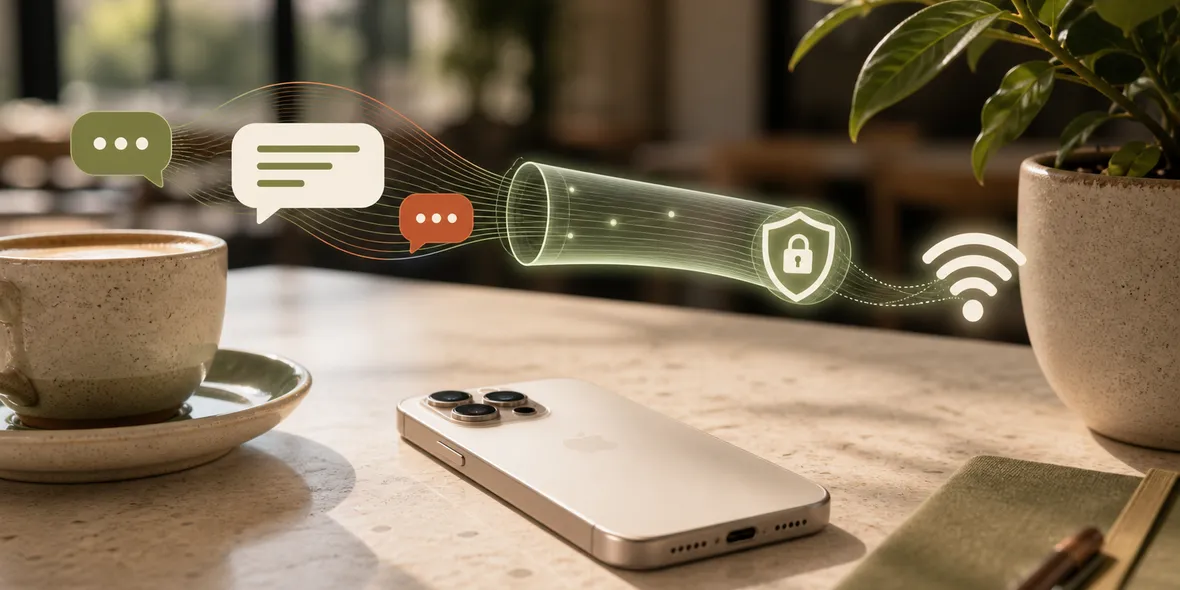
Messaging apps can be safer than random websites when they use strong encryption, but public Wi-Fi still deserves caution. A VPN helps with the connection layer, while account security, app settings, link safety, and device updates still matter.
Best For
Search Intent
The reader wants to know whether chat and messaging apps are safe on public Wi-Fi.
Shareable Angle
A VPN can help with the network, but it cannot make every message link trustworthy.
Messaging apps are part of everyday life.
You use them at cafes, hotels, airports, universities, train stations, and shared offices. Most of the time, you do not think about the network underneath.
So the question is natural: is it safe to use messaging apps on public Wi-Fi?
The honest answer is: often yes, but you should still use a careful routine.
The Simple Answer
Messaging apps can be reasonably safe when they use strong encryption and you keep your account secure.
But public Wi-Fi still deserves caution because the network is shared and outside your control. A VPN can help with the connection layer, especially before using personal accounts on shared Wi-Fi.
The VPN does not replace app security. It does not make suspicious links safe. It does not stop someone from tricking you into entering a code or password.
A Real Situation
You are at a cafe. You connect to Wi-Fi and start messaging a friend. Then someone sends a link to a delivery update, a document, or a payment page.
The messaging app may be fine. The link may not be.
This is where people misunderstand VPNs. A VPN can help with the shared network connection, but it does not judge whether a link is honest.
You still need to check links before tapping.
What A VPN Helps With
On public Wi-Fi, a VPN creates a private tunnel for your iPhone connection.
That is useful because you do not control:
- the router
- the network owner
- other users nearby
- duplicate Wi-Fi names
- login page behavior
- shared network settings
The VPN helps with the connection layer. It is a sensible habit before using personal apps on shared networks.
What The Messaging App Still Controls
The messaging app still controls its own account system, message features, contact settings, backups, notifications, and privacy options.
If the app asks for phone number access, cloud backup, contacts, or location, those decisions happen inside the app. The VPN does not control them.
This is why you should check both layers:
- Is the network handled sensibly?
- Is the app account handled sensibly?
A Better Public Wi-Fi Routine
Before using messaging apps on public Wi-Fi:
- Confirm the Wi-Fi name.
- Avoid suspicious duplicate networks.
- Turn on your VPN before personal messaging.
- Keep the messaging app updated.
- Avoid unexpected links.
- Never share login codes with anyone.
- Use app security features when available.
- Disconnect from the Wi-Fi when you leave.
This routine is easy and realistic.
When Mobile Data Is Better
If you receive something very sensitive, or the public Wi-Fi looks suspicious, mobile data may be the better option.
A VPN helps with shared Wi-Fi, but it does not make a bad network good. It also does not fix a fake Wi-Fi name or a phishing link.
Good advice should leave room for common sense.
Where Sovatun Fits
Sovatun is useful when you want a simple VPN tunnel before using personal apps on shared Wi-Fi. You do not need to import a config link, buy a separate node, or choose a protocol.
Official locations are built into the app, and usage is shown clearly.
Sovatun also keeps its data boundary specific. It does not collect browsing history, visited URLs, DNS query details, or raw traffic content.
Bottom Line
Messaging apps may already have important security features, but public Wi-Fi still deserves care.
Use a VPN for the network layer, keep your messaging app secure, and be careful with links. That is the practical answer.
Quick Questions
Do I need a VPN for messaging apps on public Wi-Fi?
It can be useful as part of a safer routine, especially on shared networks. But you still need to watch for suspicious links and account security.
Does a VPN read my messages?
A normal VPN should not read message content. Sovatun says it does not collect raw traffic content.
What is the safest routine?
Confirm the Wi-Fi, turn on the VPN, keep the app updated, avoid suspicious links, and use account security features.