Pharmacy Wi-Fi on iPhone: Be Careful With Personal Tasks
A calm guide for using pharmacy, clinic-adjacent, and health retail Wi-Fi on iPhone.
Quick Answer
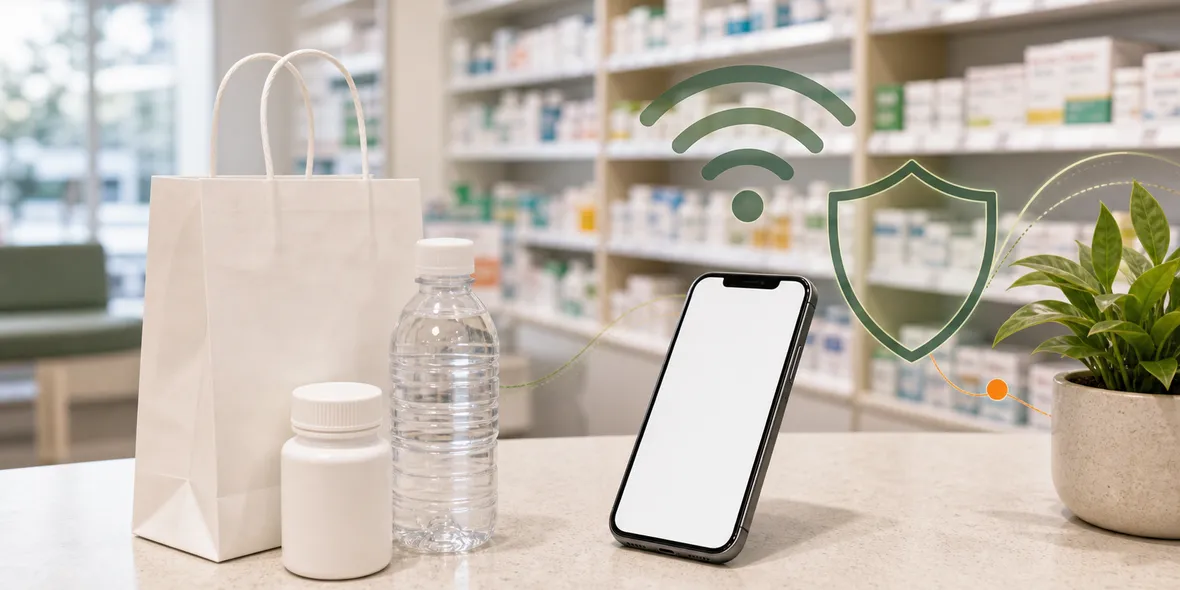
Pharmacy Wi-Fi can be useful for normal browsing, pickup messages, or store apps, but health-related information deserves extra care. Confirm the official network, avoid entering private details into unfamiliar pages, and use mobile data or a VPN when handling accounts on shared Wi-Fi.
Best For
Search Intent
The reader wants to know whether pharmacy Wi-Fi is safe and what to avoid when health-related tasks are involved.
Shareable Angle
Pharmacy Wi-Fi is still public Wi-Fi. The main difference is that some tasks may involve health details.
Pharmacy Wi-Fi feels ordinary until you realize some tasks may involve health information. You might check a pickup message, open a pharmacy app, look up medicine instructions, contact a family member, or manage an account.
The simple answer is this: pharmacy Wi-Fi can be fine for normal browsing, but health-related tasks deserve more care. It is still public Wi-Fi, and you still do not control the network.
That does not mean you need to panic. It means you should slow down for the sensitive parts.
What Pharmacy Wi-Fi Is Good For
Use it for store hours, maps, product searches, loyalty apps, general health articles, messages, or checking whether a pickup notification arrived.
Those are normal tasks. They are similar to using public Wi-Fi in a supermarket or waiting room.
The situation changes when you open prescription accounts, insurance pages, medical portals, identity forms, or payment pages. Those tasks involve more personal information.
What to Check Before You Connect
Confirm the official Wi-Fi name. Pharmacies may be inside malls, airports, hospitals, supermarkets, or train stations, so your iPhone may show several networks at once.
Do not guess based on the strongest signal.
Also watch the login page. A normal guest Wi-Fi page may ask for terms acceptance or a simple email. Be careful if it asks for your Apple ID password, email password, card details, profile install, or certificate trust.
Use the Real App or Site
If you need to check a prescription, refill, appointment, or health account, use the official app or the website you already know.
Avoid links from random pop-ups or unknown messages. If a page looks unusual, close it and open the app directly.
If mobile data works, it is often the calmer choice for sensitive health-related account tasks.
Where a VPN Fits
A VPN helps with the connection layer on shared Wi-Fi. That can be useful when you browse or use accounts on a public network.
But it does not replace the pharmacy app’s own privacy practices. It does not make a fake page real. It does not hide information you type into a form from the service receiving that form.
Keep the boundary clear, and the habit becomes easier.
How Sovatun Helps
Sovatun is designed for iPhone users who want a simple VPN without configuration work.
There are no external config links, no separate node purchases, and no QR profile imports. Sovatun has official locations built in, connects in one tap, and shows usage clearly. New users get 5GB of free traffic, which is useful for trying it in ordinary public Wi-Fi situations.
Sovatun does not collect browsing history, visited URLs, DNS query details, or raw traffic content.
Bottom Line
Pharmacy Wi-Fi is useful for simple tasks.
For health accounts, prescriptions, insurance, or payments, use mobile data when possible. If you use pharmacy Wi-Fi, confirm the network, use the official app or site, and turn on a VPN for the connection layer.
Quick Questions
Can I use pharmacy Wi-Fi on my iPhone?
Yes, for normal browsing and store tasks, if you confirm the official network and avoid unusual prompts.
Should I access prescription or health accounts on pharmacy Wi-Fi?
Use mobile data when possible. If you use Wi-Fi, make sure you are in the official app or website and avoid strange links.
Does a VPN protect health information?
A VPN helps with the connection layer, but health apps and pharmacy services still have their own privacy and account rules.