Ride-Share and Bus Wi-Fi: A Safer iPhone Browsing Habit
A practical guide for using Wi-Fi in ride-share cars, buses, coaches, shuttles, and city transport.
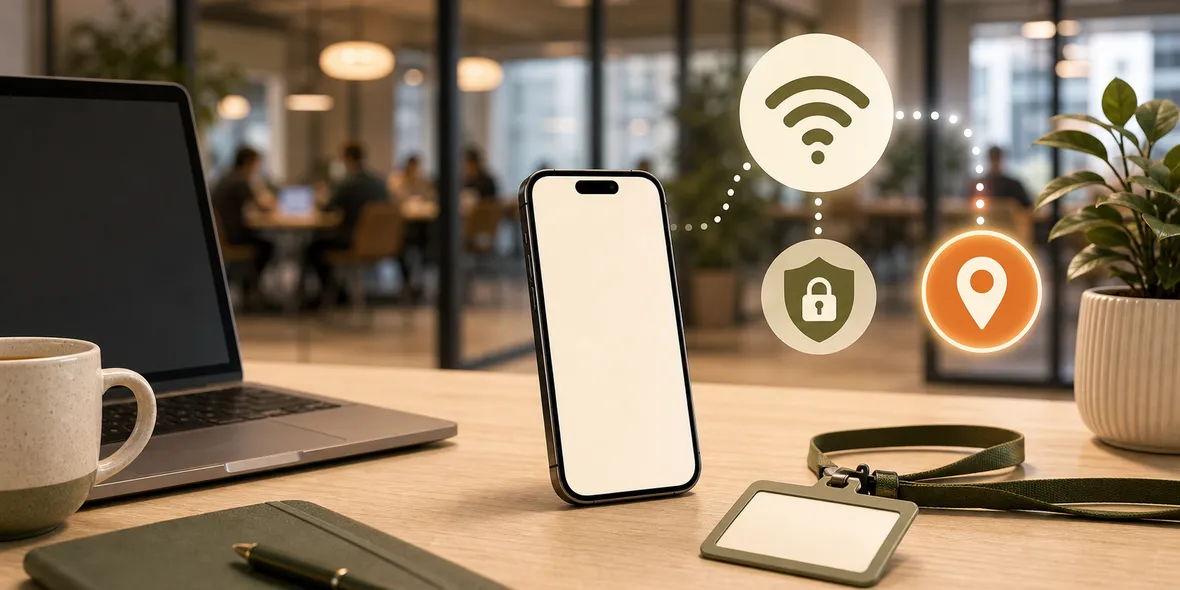
Quick Answer
Ride-share and bus Wi-Fi can be convenient for travel, but it is still a shared network. Confirm the network if possible, avoid sensitive tasks on unclear Wi-Fi, and use a VPN when browsing on transport Wi-Fi you do not control.
Best For
Search Intent
The reader wants to know whether ride-share, bus, coach, or shuttle Wi-Fi is safe and whether a VPN helps.
Shareable Angle
Transport Wi-Fi is useful when you are moving. It is also easy to join without thinking.
Wi-Fi in a ride-share car, bus, airport shuttle, coach, or city transport can be useful. You may need to check maps, message someone, open a ticket, translate a notice, or confirm where you are going.
The simple answer is this: transport Wi-Fi is convenient, but it is still a shared network. Use it for light tasks, verify it when possible, and use a VPN when you browse on it.
The main risk is not that every bus network is bad. The main risk is that people join quickly without thinking.
Why Transport Wi-Fi Is Easy to Misuse
When you are moving, you are distracted. You may be carrying bags, watching stops, checking directions, or trying not to miss your transfer.
That is exactly when your iPhone may show a network name and you tap it because it looks useful.
In a bus station, airport pickup zone, city center, or crowded street, there may be many networks nearby. Some belong to vehicles. Some belong to cafes. Some are personal hotspots. Some names may look official but be unclear.
If you cannot confirm the network, mobile data is often the better choice.
What Is Fine to Do on Ride-Share or Bus Wi-Fi?
Use it for light browsing, maps, messages, travel updates, ticket pages, translation, weather, and reading.
Be more careful with banking, password changes, work admin tools, medical portals, or identity checks. Those are better on mobile data when possible.
If the Wi-Fi login page asks for odd permissions, profile installs, certificates, or account passwords unrelated to Wi-Fi, do not continue.
What About VPN Performance?
Transport Wi-Fi can be unstable because the vehicle is moving. A VPN may work fine, or it may feel slow if the base connection is weak.
That is normal. A VPN helps with the connection layer, but it does not make a moving network perfect.
If the VPN cannot stay connected, use mobile data or wait until you are on a more stable network.
How Sovatun Helps
Transport Wi-Fi is a perfect example of why VPN setup should be simple.
You do not want to import configuration files, buy separate nodes, scan QR profiles, or troubleshoot protocols while sitting on a bus or in the back seat of a car. Sovatun is built as an all-in-one iPhone VPN with official locations, one-tap connection, clear usage, and 5GB of free traffic for new users.
That makes the habit easy: when the network is shared and you decide to browse, open Sovatun and connect.
Sovatun does not collect browsing history, visited URLs, DNS query details, or raw traffic content.
Bottom Line
Transport Wi-Fi is useful, but it is still shared and often unstable.
Use it for light tasks, verify the network when possible, avoid sensitive activity on unclear Wi-Fi, and use a VPN for the connection layer when you browse.
Quick Questions
Is bus Wi-Fi safe on iPhone?
It can be fine for light browsing, but it is still shared transport Wi-Fi. Use it carefully and avoid strange login requests.
Should I use ride-share Wi-Fi?
If the provider clearly offers it and you need it, use it for light tasks. Mobile data is often simpler for sensitive activity.
Does a VPN help on transport Wi-Fi?
Yes, if the network allows VPN traffic and the connection is stable enough, it helps with the connection layer.