Translation Apps on Public Wi-Fi: A Travel Safety Note
A simple travel guide for using iPhone translation apps on public Wi-Fi in cafes, stations, hotels, museums, and streets.
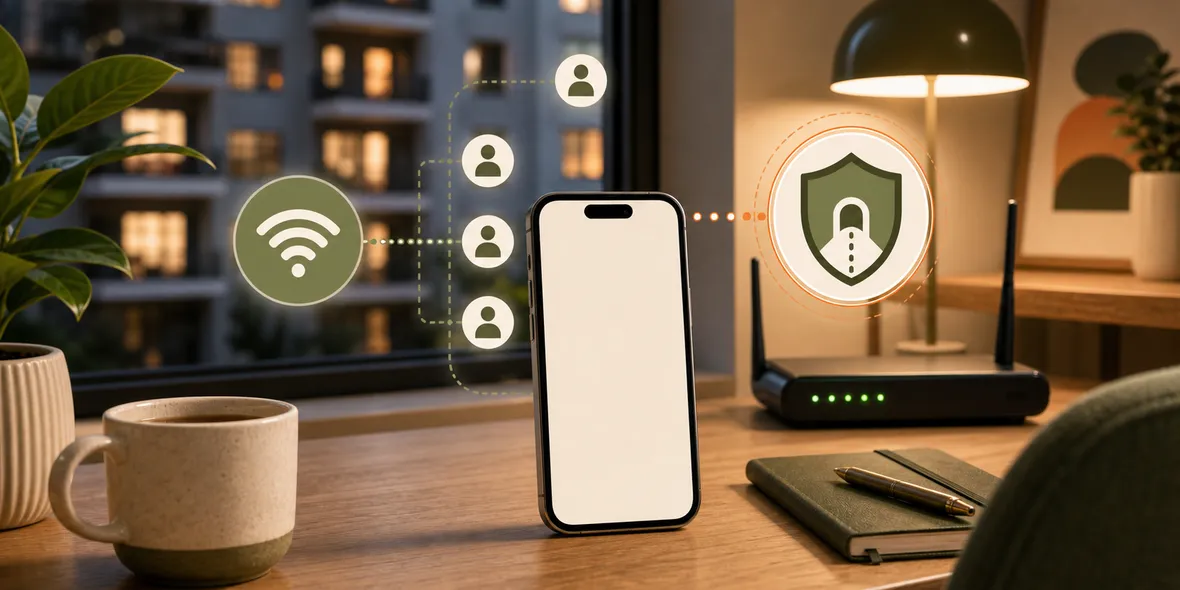
Quick Answer
Translation apps do not always need a VPN, but a VPN is useful when you are using them on public Wi-Fi you do not control. Download offline language packs when possible, avoid translating sensitive documents on shared networks, and use a VPN for the connection layer during travel browsing.
Best For
Search Intent
The reader wants to know whether translation apps are safe on public Wi-Fi and whether a VPN helps.
Shareable Angle
Translation apps are travel essentials now. Public Wi-Fi is where the habit needs a little more care.
Translation apps have become normal travel tools. You use them to read menus, signs, museum labels, tickets, hotel instructions, train notices, and quick conversations.
The simple answer is this: translation apps do not always need a VPN, but using a VPN is sensible when you are relying on public Wi-Fi during travel.
The reason is not that translation apps are automatically unsafe. The reason is that public Wi-Fi is a shared network you do not control.
Online Translation vs Offline Translation
Some translation features work offline if you download language packs ahead of time. That is useful because the app does not need to send every request over the network.
Other features may need an internet connection, especially camera translation, conversation mode, cloud-based translation, or large language features.
If you are using those features in a cafe, station, hotel lobby, museum, or shopping area, you may be using public Wi-Fi without thinking about it.
That is where a simple network habit helps.
What Should You Avoid Translating?
Menus and signs are low-risk.
Private documents are different. Be careful with passports, medical papers, contracts, bank letters, personal IDs, work documents, or anything with private account details.
The app’s own privacy policy matters, and a VPN does not change what the translation app itself collects or processes. A VPN helps with the connection layer; it does not decide how an app handles the content you upload.
So if something is sensitive, use a trusted app, check settings, use mobile data if possible, and avoid uploading more than necessary.
A Simple Travel Routine
Before your trip, download offline language packs for the languages you expect to use.
When you need public Wi-Fi, verify the official network name before joining.
Use translation apps normally for signs, menus, and public information.
Avoid translating sensitive documents on shared networks unless you really need to.
If you browse, search, message, or use online translation features on public Wi-Fi, turn on a VPN.
Why Sovatun Makes Sense Here
Translation moments are often quick. You are standing in a station, sitting at a restaurant, walking through a museum, or trying to understand a booking message.
That is not a good time for complicated VPN setup. Sovatun is an all-in-one iPhone VPN: official locations are built in, there are no external config links, no separate node purchases, and no QR profile imports. You open it, connect in one tap, and see usage clearly. New users get 5GB of free traffic, which is useful for light travel browsing and translation-related use.
Sovatun also keeps its privacy boundary specific. It does not collect browsing history, visited URLs, DNS query details, or raw traffic content.
Bottom Line
Translation apps are helpful, especially when traveling.
Download offline packs when you can, be careful with private documents, verify public Wi-Fi names, and use a VPN when online translation and browsing happen on a shared network.
Quick Questions
Should I use a VPN with translation apps?
Use one when the translation app is online and you are connected to public Wi-Fi. It helps with the connection layer.
Are offline translation packs safer?
Offline packs reduce the need to send translation requests over the network, which can be useful during travel.
Should I translate private documents on public Wi-Fi?
Avoid translating sensitive documents on shared networks when possible, especially if you are not sure how the app handles uploaded content.