Venue Wi-Fi at Football Matches and Concerts: A Quick iPhone Safety Guide
A practical guide for using public Wi-Fi at stadiums, concerts, festivals, and large events without overthinking it.
Quick Answer
Venue Wi-Fi can be useful, but you should treat it as a busy shared network. Verify the official network name, avoid lookalike hotspots, skip sensitive tasks if mobile data works, and use a VPN for the connection layer when you need to browse on shared Wi-Fi.
Best For
Search Intent
The reader wants to know whether stadium or concert venue Wi-Fi is safe and what precautions to take.
Shareable Angle
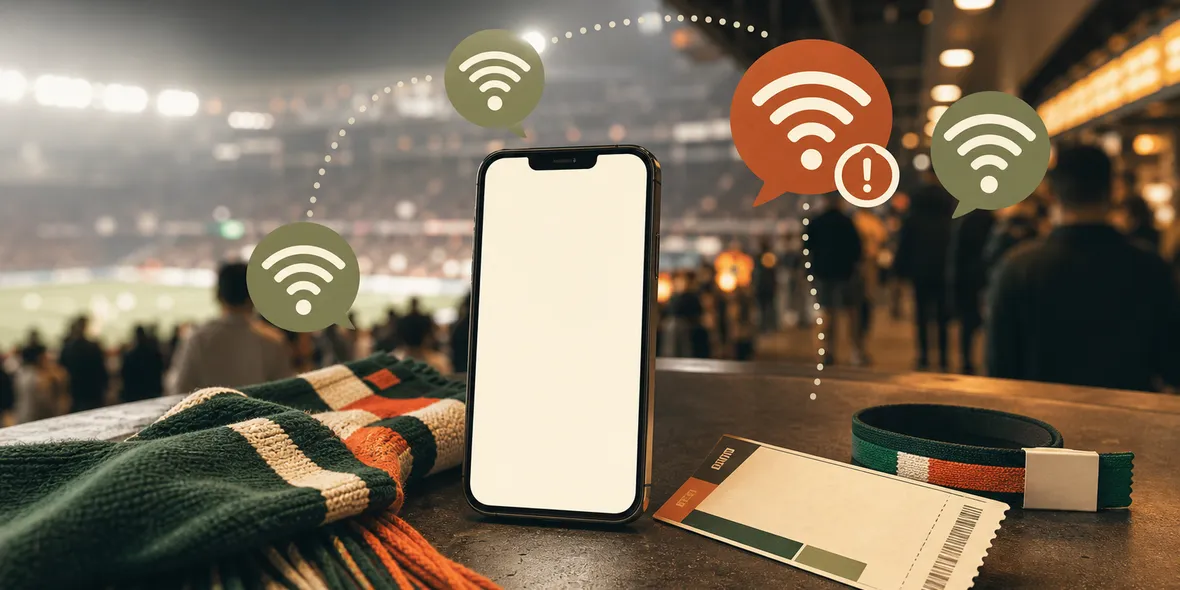
At big events, the Wi-Fi name can look official even when it is not.
At a football match, concert, festival, or conference, everyone wants the same thing: a signal.
Mobile data gets crowded. The venue Wi-Fi appears. The name looks close enough. You tap it because you want tickets, maps, ride apps, messages, or photos to upload.
The simple answer: venue Wi-Fi can be useful, but treat it as a crowded shared network. Do not assume every network name near a stadium or arena is official.
This is especially timely during the 2026 football summer. FIFA lists the 2026 World Cup as running from June 11 to July 19, with 104 fixtures across 16 host cities. You can see the official tournament overview here: FIFA World Cup 2026. Large crowds, travel days, fan zones, and venue Wi-Fi all create moments where people connect quickly.
The FTC’s public Wi-Fi guidance gives a useful baseline: if you are not sure a public network is secure, treat it carefully. The FTC page is here: Public Wi-Fi Networks - Security Tips.
You do not need to panic. You just need a better routine.
Why Big Events Are Different
A cafe network is usually one place and one sign.
A stadium is different. There are gates, lounges, vendor areas, outdoor plazas, temporary staff networks, sponsor networks, and nearby restaurants. Many people are distracted. They are checking seats, tickets, friends, bags, food, rides, and weather.
That distraction matters.
If two Wi-Fi names look similar, people may choose quickly. If a network is called something that sounds like the venue, people may trust it too fast.
What To Check Before Joining
Before joining venue Wi-Fi, check the official name.
Look at the venue app, sign, ticket email, information screen, or ask staff. Do not pick the strongest signal just because it looks convenient.
If the network asks you to install a certificate, device profile, unknown VPN profile, or configuration you do not understand, stop. Normal venue Wi-Fi may ask for terms or email. It should not make you install mysterious device settings.
If the task is sensitive, such as banking, password changes, account recovery, tax documents, or work admin tools, use mobile data if it works.
What A VPN Can And Cannot Do
A VPN can help create a tunnel for the connection layer after you join the network.
It cannot prove that the Wi-Fi name is official. It cannot stop you from entering your password into a fake site. It cannot make a crowded venue network stable.
So the order matters:
- Verify the network.
- Join only if you need it.
- Turn on VPN before everyday browsing.
- Keep sensitive tasks for mobile data when possible.
- Watch for suspicious login pages.
That is a realistic event-day habit.
Where Sovatun Fits
Sovatun is useful for people who want a simple iPhone VPN at the moment they need it, without dealing with separate node sellers or configuration imports.
At a venue, you probably do not want to troubleshoot a technical VPN client. You want to open the app, connect, and know your usage is visible.
Sovatun is built around that simpler workflow: official locations built in, one-tap connection, 5GB free VPN traffic, and clear usage.
It also uses specific data wording. Sovatun does not collect browsing history, visited URLs, DNS query details, or raw traffic content.
Bottom Line
Venue Wi-Fi is not automatically bad. It is just crowded, confusing, and easy to join too quickly.
Verify the network name, avoid strange installs, use mobile data for sensitive tasks, and use a VPN for everyday browsing when shared Wi-Fi is the practical option.
Quick Questions
Is venue Wi-Fi always dangerous?
No. Many venue networks are legitimate. The problem is that large crowds make fake or confusing network names more likely.
Should I use banking apps on venue Wi-Fi?
If mobile data works, use that for banking or payments. If you must use Wi-Fi, verify the network and use safer habits.
Can Sovatun tell me which venue Wi-Fi is official?
No. You still need to verify the Wi-Fi name with the venue. Sovatun helps with the VPN connection layer after you join a network.