Video Calls on Cafe Wi-Fi: A Practical VPN Note for iPhone
A practical guide to video calls on cafe Wi-Fi, what a VPN can help with, and what it cannot fix for iPhone users.
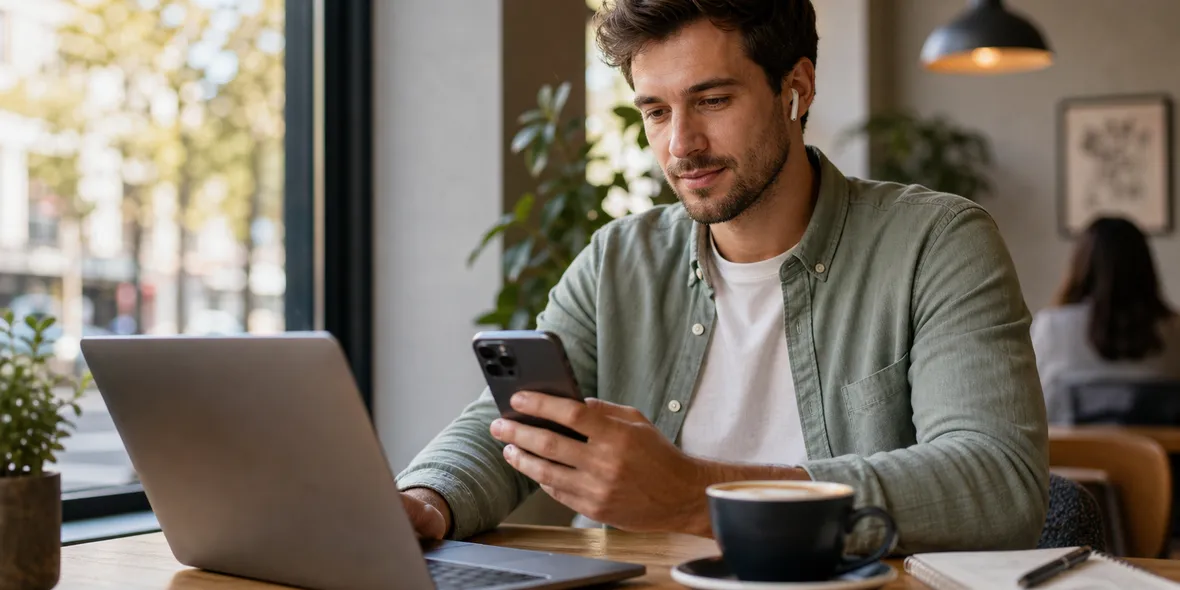
Quick Answer
A VPN can be useful before joining a video call on cafe Wi-Fi because it helps protect the connection layer on a shared network. But it may also add some overhead, so if the call is very important, test the connection first and keep expectations realistic.
Best For
Search Intent
The reader wants to know whether a VPN helps or hurts video calls on public Wi-Fi.
Shareable Angle
A VPN can help on cafe Wi-Fi, but it cannot fix a bad cafe connection.
Cafe Wi-Fi is convenient for video calls, but it is not always reliable.
You may sit down with coffee, open your laptop or iPhone, and join a meeting. The Wi-Fi works for browsing. Then the call starts freezing, audio cuts out, or the connection drops.
So where does a VPN fit?
The honest answer is that a VPN can help with the connection layer on shared Wi-Fi, but it is not a magic fix for weak bandwidth, noisy networks, or a bad video platform connection.
The Simple Answer
Use a VPN before a video call on cafe Wi-Fi when the call involves work, personal information, or account access.
But if the Wi-Fi is already slow, test the call first. A VPN may add some overhead, and video calls need stable real-time bandwidth.
For an important call, the safest practical setup may be:
- use a trusted network when possible
- turn on the VPN before joining
- test audio and video early
- keep mobile data as a backup
- avoid downloading large files during the call
This is not about fear. It is about being realistic.
Why This Comes Up More During Travel Season
Summer travel and remote work blur together. A call that used to happen at a desk may now happen from a cafe, hotel lobby, airport lounge, or train station.
Recent public Wi-Fi advice from the FTC is useful because it avoids panic: public Wi-Fi is often safer than it used to be because most websites use encryption, but users should still protect accounts, update devices, and watch for scams. For video calls, that means the VPN is one part of the routine, not the whole routine.
Source: FTC public Wi-Fi guidance
What A VPN Helps With
Cafe Wi-Fi is a shared network. You do not manage the router, the password, the other users, or the network settings.
A VPN creates a private tunnel for your connection before traffic leaves your device. That is useful when you are using a network you do not control.
For video calls, this can be part of a better routine, especially if you open meeting links, sign into work tools, check chat messages, or access documents during the call.
What A VPN Does Not Fix
A VPN does not make a bad Wi-Fi connection good.
It does not:
- create more bandwidth
- fix a crowded cafe network
- stop background noise
- control meeting permissions
- make a fake meeting link safe
- prevent the video platform from collecting its own account data
This is why “VPN = private everything” is not the right message.
The better message is: a VPN helps with one layer, and you still need normal call safety and account habits.
Why Calls Use Both Download And Upload
Video calls are different from reading a page.
You download other people’s video and audio. You upload your own video and audio. If you share your screen, send files, or sync notes, usage may increase further.
That is why clear VPN usage matters. Users should not be surprised when a 45-minute call uses more data than checking email.
A useful VPN app should make usage visible, not mysterious.
A Cafe Routine That Works
Before joining a call on cafe Wi-Fi:
- Confirm the Wi-Fi name.
- Avoid duplicate or suspicious network names.
- Turn on your VPN before opening work accounts.
- Open the meeting link from a trusted calendar or app.
- Test audio and video before the call.
- Close background downloads.
- Use mobile data if the Wi-Fi is unstable.
- Disconnect from Wi-Fi when you leave.
This routine is simple enough to repeat.
Where Sovatun Fits
Sovatun is useful for this kind of everyday shared-network moment. It gives iPhone users a simple VPN tunnel with official locations built in, clear usage, and no need to import external configs.
For video calls, Sovatun should be described honestly: it can help with connection-layer protection, but it does not guarantee call quality or protect every part of privacy.
Sovatun does not collect browsing history, visited URLs, DNS query details, or raw traffic content.
Bottom Line
A VPN can be part of a good video call routine on cafe Wi-Fi, especially for work and personal calls.
Just keep expectations realistic. A VPN helps with the connection layer. It does not replace a stable network, trusted meeting links, good account security, or common sense.
Quick Questions
Will a VPN make video calls slower?
It can add some overhead, especially on weak public Wi-Fi. The practical move is to test the call connection early and use mobile data if the Wi-Fi is unstable.
Does a VPN make a video call private?
A VPN helps with the connection layer. The video call service still handles your account, call content, meeting settings, and participant permissions.
When should I use Sovatun before a call?
Use Sovatun before joining work or personal calls on shared Wi-Fi when you want a simple private tunnel and clear usage, while still checking call quality.