VPN Before or After a Public Wi-Fi Login Page: The Simple Rule
A practical guide to Wi-Fi login pages, captive portals, and when to turn on VPN on hotel, cafe, airport, or venue networks.
Quick Answer
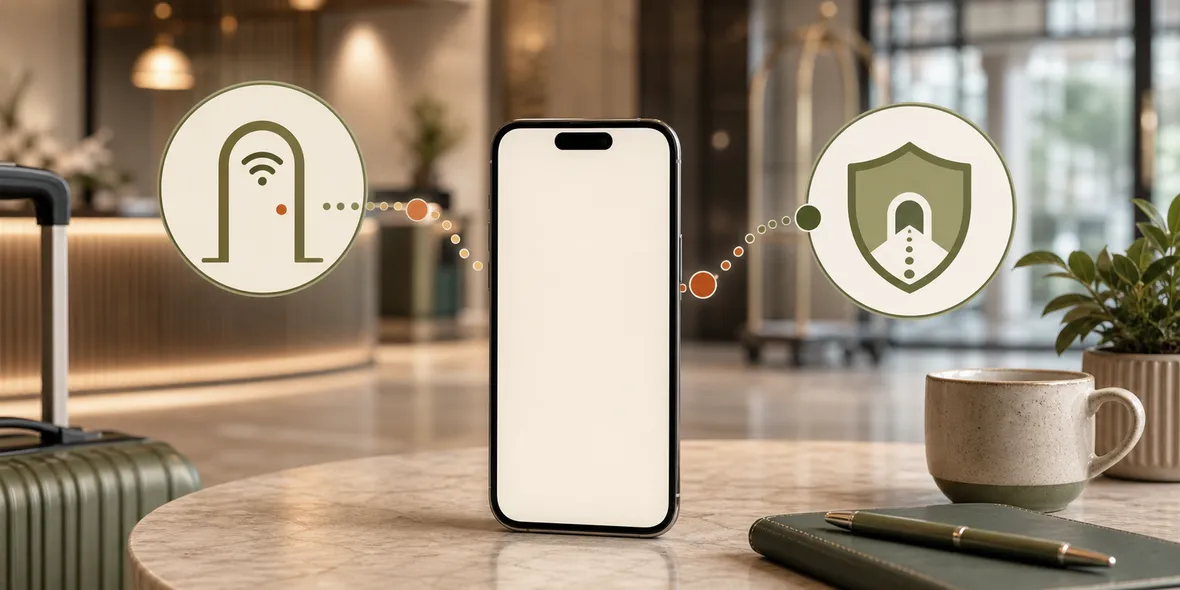
Usually, you first join the Wi-Fi and complete the official login page or terms page, then turn on the VPN before everyday browsing. Some public Wi-Fi login pages need to load before the VPN can work. The important part is verifying the network and avoiding strange installs.
Best For
Search Intent
The reader wants to know whether VPN should be turned on before or after a public Wi-Fi login page.
Shareable Angle
Public Wi-Fi login pages are annoying, but the order is simple: verify, join, login, then connect VPN.
Public Wi-Fi often has a login page.
Hotels ask for a room number. Cafes ask you to accept terms. Stations and venues may show a landing page before the internet works.
So the question is natural: should you turn on VPN before or after that page?
The simple answer: usually you join the Wi-Fi, complete the official login or terms page, then turn on VPN before normal browsing.
Apple’s Wi-Fi setup guidance notes that after choosing a network, you may be asked for a password or to agree to terms and conditions. You can read it here: Connect to Wi-Fi on your iPhone or iPad.
Why The Login Page Comes First
Many public Wi-Fi networks use a captive portal. That is the page that appears before the network gives you full internet access.
Until you complete it, your phone may be connected to Wi-Fi but not really online.
If your VPN tries to connect before the portal is complete, it may fail because the network is still blocking normal traffic.
That does not mean the VPN is broken. It means the Wi-Fi network is not fully open yet.
The Practical Order
Use this order:
- Confirm the Wi-Fi name is official.
- Join the network.
- Complete the official login page or terms page.
- Do not install unknown profiles, certificates, or mystery apps.
- Turn on VPN.
- Start everyday browsing.
This order works for most hotel, cafe, venue, and travel Wi-Fi situations.
When To Be Careful
Be careful if the login page asks for more than it should.
A normal guest Wi-Fi page may ask you to accept terms, enter a room code, or provide an email. That is common.
But if the page asks you to install a certificate, device management profile, unknown VPN profile, or separate configuration file, stop and think. Ask staff if it is really required. If it feels strange, use mobile data instead.
Also be careful with pages that imitate big brands or payment providers. A VPN cannot save you if you enter your credentials into a fake page.
What VPN Helps With After Login
After the Wi-Fi is working, a VPN can help with the connection layer.
That is the useful part for everyday browsing on shared networks. The VPN is not there to approve the login page for you. It is there to give your active connection a tunnel after you join the network.
This is a small distinction, but it makes the experience less confusing.
How Sovatun Fits
Sovatun is designed for the after-login moment.
Once you have joined the verified public Wi-Fi and completed the official login page, you can open Sovatun and connect without importing external configs, buying nodes separately, or choosing protocols.
The app is built around one-tap connection, official locations, 5GB free VPN traffic, and clear usage.
Sovatun also makes its data boundary specific. It does not collect browsing history, visited URLs, DNS query details, or raw traffic content.
Bottom Line
For most public Wi-Fi networks, the order is: verify the network, complete the login page, then turn on VPN.
Do not install strange profiles. Do not trust lookalike pages. Once the network is working, a simple VPN can help with the connection layer.
Quick Questions
Why does VPN not work before the Wi-Fi login page?
Some networks block normal internet access until you accept terms or complete a captive portal login.
Is the login page safe?
It can be normal, but verify the network name and avoid pages that ask you to install unknown profiles or certificates.
When should I turn on Sovatun?
After you have joined the verified Wi-Fi and completed any official login page, turn on Sovatun before everyday browsing.