Hotel Wi-Fi VPN Disconnects: Common Reasons on iPhone
A practical troubleshooting guide for VPN disconnects on hotel Wi-Fi, captive portals, weak networks, and travel routines.
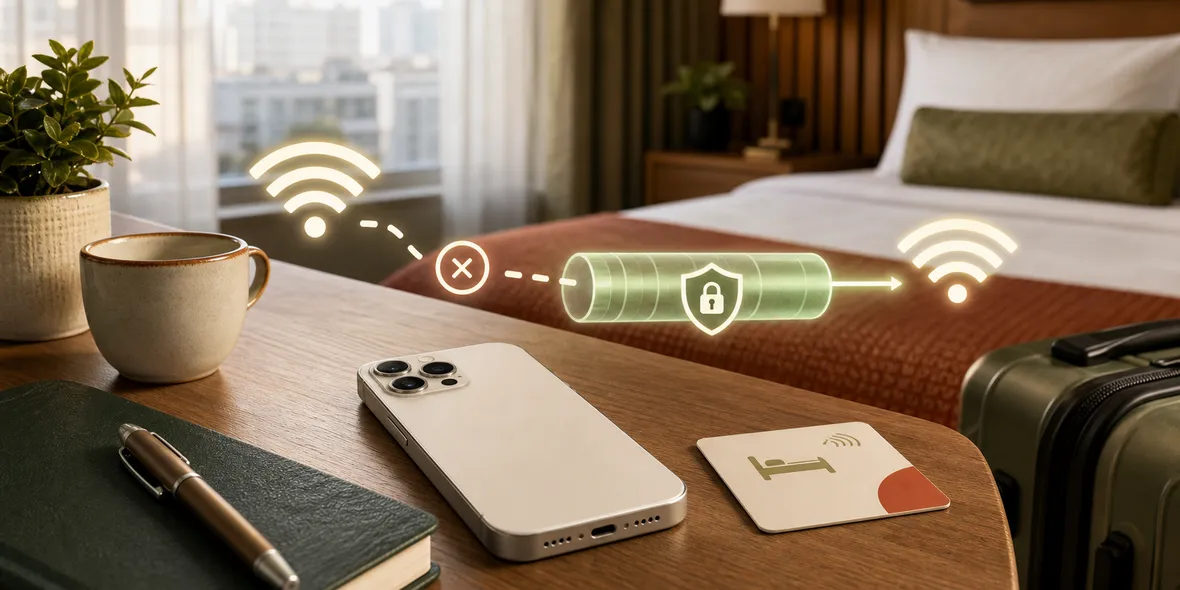
Quick Answer
Hotel Wi-Fi can interrupt VPN connections because of login pages, weak signal, roaming between access points, time limits, or unstable network rules. The practical fix is to join the hotel Wi-Fi first, complete the login page, confirm the internet works, then connect the VPN.
Best For
Search Intent
The reader wants to understand and fix VPN disconnections on hotel Wi-Fi.
Shareable Angle
Sometimes the VPN is not the problem. The hotel Wi-Fi login page is.
Hotel Wi-Fi is one of the most common places people try to use a VPN.
It is also one of the most common places VPNs feel annoying.
You connect to the hotel network. A login page appears. The VPN tries to connect. Then nothing loads. Or the VPN connects for a minute, disconnects, reconnects, and disconnects again.
This does not always mean the VPN app is bad. Hotel Wi-Fi can be messy.
The Simple Answer
Hotel Wi-Fi can interrupt a VPN because the network often has a login page, weak signal, time limits, device limits, roaming access points, or traffic rules.
The practical order is:
- Join the hotel Wi-Fi.
- Complete the hotel login page.
- Open a normal website to confirm internet access.
- Then turn on the VPN.
- Start your personal or work browsing.
If you turn on the VPN before the hotel login is complete, the network may block or confuse the connection.
Why Hotel Wi-Fi Is Different
At home, your Wi-Fi usually has one router and one password.
Hotels often use shared systems with:
- captive portal login pages
- room number or name checks
- device limits
- timed sessions
- weak signal in some rooms
- many access points
- network filters
- crowded evening usage
That creates more places for a VPN connection to fail.
A Real Situation
You arrive late, connect to the hotel Wi-Fi, and immediately open your VPN. The VPN says connecting, then fails.
The problem may be that the hotel still needs you to accept terms or enter a room number. Until that login step is complete, the hotel network may not allow normal internet traffic.
In that case, the VPN cannot create a stable tunnel because the underlying network is not ready.
The fix is boring but useful: finish the hotel Wi-Fi login first.
What To Try First
Use this troubleshooting checklist:
- Turn off the VPN.
- Forget and rejoin the hotel Wi-Fi if needed.
- Open a simple website to trigger the hotel login page.
- Complete the login or terms screen.
- Confirm a normal website loads.
- Move closer to the door or hallway if the signal is weak.
- Turn the VPN on again.
- If it still fails, try mobile data for sensitive tasks.
This separates Wi-Fi problems from VPN problems.
When The VPN Is Not The Issue
If normal websites do not load without the VPN, the VPN is not the first problem. The hotel network is.
If the Wi-Fi works for a few minutes and then stops, the hotel session may be expiring or switching access points.
If the connection works in the lobby but not in your room, signal strength may be the issue.
VPNs need a working network underneath them. They do not fix bad Wi-Fi.
What A Good Travel VPN Should Avoid
Travel is the worst time for complicated setup.
If a VPN app also asks for external config links, node purchases, QR imports, or protocol choices, the user has two problems: hotel Wi-Fi and VPN setup.
That is too much friction when someone just wants to check email before sleeping.
Where Sovatun Fits
Sovatun is designed for this travel moment. It is an all-in-one iPhone VPN with official locations built in, so users do not need to import external configs or buy separate nodes.
For hotel Wi-Fi, the routine is simple: join the hotel network, complete the login page, confirm the internet works, then connect Sovatun before personal or work browsing.
Sovatun also keeps usage visible and explains its data boundary clearly.
Bottom Line
Hotel Wi-Fi can make VPNs disconnect because the network itself is complicated.
Do the hotel login first, confirm the internet works, then connect your VPN. A simple VPN makes that routine easier because you are only solving one problem at a time.
Quick Questions
Why does hotel Wi-Fi break my VPN?
Hotel networks often use captive portals, time limits, weak signal, and shared access points. These can interrupt VPN connections.
Should I connect VPN before hotel Wi-Fi login?
Usually no. Join the Wi-Fi, finish the hotel login page, confirm internet access, then turn on the VPN before personal browsing.
How does Sovatun help?
Sovatun keeps setup simple with official locations built in, so hotel Wi-Fi troubleshooting is not mixed with config links or external node providers.