Download and Upload Usage in VPN Apps, Explained Simply
A plain explanation of VPN usage numbers, download and upload traffic, reset dates, and why clear usage helps iPhone users stay in control.
Quick Answer
A VPN may show download and upload usage so users can understand how much traffic has passed through the VPN during the current cycle. Clear usage is useful because browsing, cloud files, maps, updates, and video calls can use data differently.
Best For
Search Intent
The reader wants to understand what VPN usage numbers mean and whether they should worry about them.
Shareable Angle
A VPN should not become a black box after you tap connect.
If your VPN shows download and upload usage, you may wonder what those numbers mean.
Are they tracking what you do? Are they measuring every website? Should you worry if upload usage appears? Why does the number change even when you only check a few apps?
The short answer is simpler than it sounds: usage numbers usually show how much data moved through the VPN connection during the current cycle.
They should help you understand your plan, not make you feel watched.
The Simple Answer
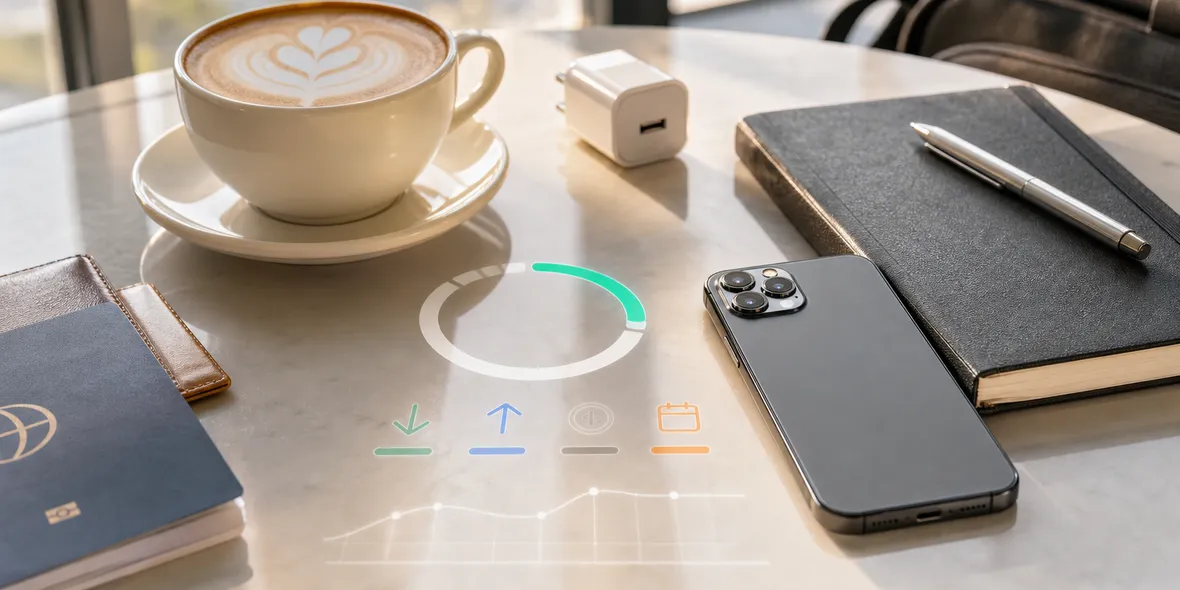
Download usage is data coming to your iPhone. Upload usage is data leaving your iPhone.
When you open a web page, load images, receive email, download a file, stream audio, or refresh a map, that is mostly download.
When you send a message, upload a photo, join a video call, submit a form, or sync a file to the cloud, that can create upload traffic.
Most people use more download than upload, but both are normal.
Why VPN Usage Can Grow Quickly
Some tasks use more data than people expect.
Light browsing may use very little. Email text may use little. But attachments, app updates, maps, cloud files, photos, video calls, and background app refresh can use much more.
That is why a VPN app with a usage cycle should make the numbers easy to see.
If you are traveling, you may want to know whether you have enough usage left before opening a large file or joining a long call on hotel Wi-Fi.
What Usage Does Not Mean
Usage numbers should not mean the VPN is collecting your browsing history.
There is a difference between measuring total traffic volume and collecting browsing details.
For example, a VPN can show that you used 0.20 GB without storing the websites you visited, the URLs you opened, DNS query details, or raw traffic content.
That distinction is important. Users should not have to guess whether a usage dashboard is also a browsing history dashboard.
Questions To Ask A VPN
If a VPN shows usage, ask:
- Does it explain what the usage number means?
- Does it show total, used, and remaining clearly?
- Does it show when the cycle resets?
- Does it separate download and upload?
- Does it explain what browsing-related data it does not collect?
- Does the App Store privacy information match the product wording?
Clear usage can build trust, but only when the privacy boundary is clear too.
Why This Matters In Real Life
Imagine you are at a cafe between meetings. You connect to Wi-Fi, turn on your VPN, open email, download a presentation, and join a short video call.
Later, you check usage and see more data than expected.
That does not automatically mean something is wrong. The video call and file download probably used more traffic than text browsing.
A clear VPN app helps you understand this without making you dig through settings.
How Sovatun Handles This Idea
Sovatun treats clear usage as part of the product experience. The goal is not to hide limits or make the VPN feel mysterious.
Users should be able to see what is used, what is left, and when the cycle resets. That matters for travel days, hotel Wi-Fi, cafe work, and other shared network moments.
Sovatun also keeps the privacy wording specific: it does not collect browsing history, visited URLs, DNS query details, or raw traffic content.
That means usage visibility and browsing privacy should not be confused.
Use Sovatun when you want VPN usage to be visible instead of hidden behind vague claims.
Bottom Line
Download and upload usage are normal parts of understanding a VPN plan.
The useful product is not the one that hides everything. It is the one that shows the right operational details while keeping the privacy boundary clear.
Quick Questions
What is download usage in a VPN?
Download usage is data received by your device through the VPN, such as web pages, images, email attachments, cloud files, maps, app content, and video streams.
What is upload usage in a VPN?
Upload usage is data sent from your device through the VPN, such as messages, file uploads, video call data, form submissions, and cloud sync activity.
Why does Sovatun show usage clearly?
Sovatun uses clear usage as part of its trust promise: users should be able to see total, used, remaining, reset date, download, and upload instead of guessing.