VPNs, IP Addresses, and Public Wi-Fi: What Changes on iPhone
A beginner-friendly answer about IP addresses, public Wi-Fi, VPN tunnels, and what hiding an IP does not mean.
Quick Answer
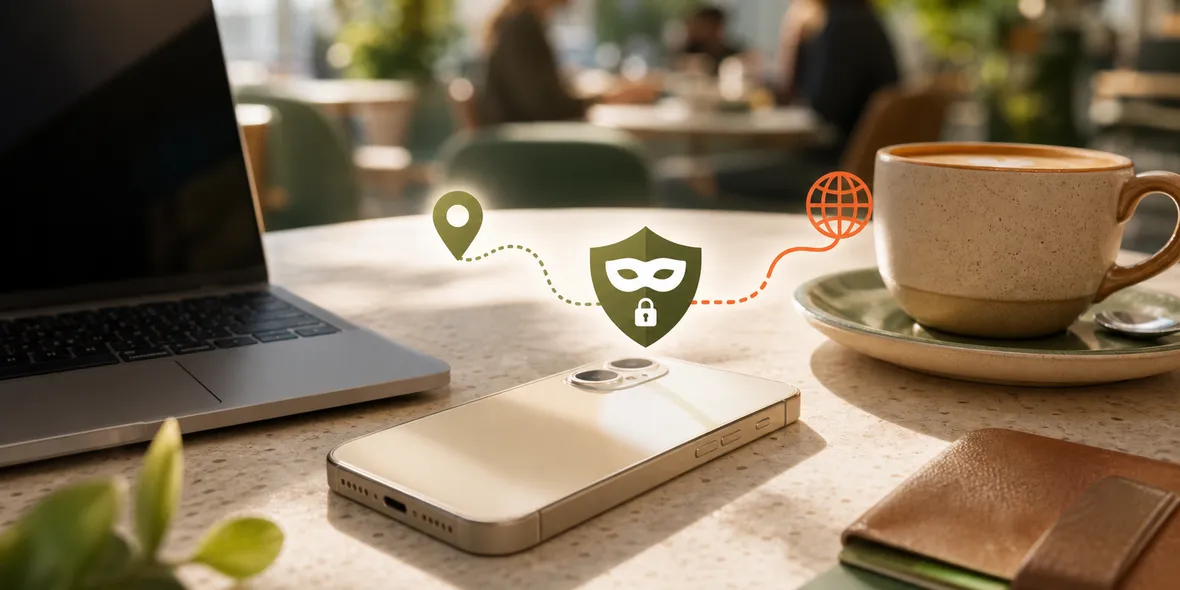
A VPN can help mask the IP address that websites and services see by routing your connection through the VPN server. On public Wi-Fi, this is useful as part of connection-layer protection. But hiding an IP address does not make you fully anonymous or protect you from every tracking method.
Best For
Search Intent
The reader wants to know whether a VPN hides their IP address when using shared Wi-Fi.
Shareable Angle
Hiding an IP address is useful, but it is not the same thing as disappearing online.
People often ask whether a VPN hides their IP address on public Wi-Fi.
The short answer is yes, in a practical sense: a VPN can route your connection through a VPN server, so websites and online services may see the VPN server’s IP address instead of the network IP assigned to your iPhone.
But that does not mean you become fully anonymous.
IP address privacy is one layer. Account logins, cookies, app tracking, browser fingerprints, and what you type into websites are different layers.
The Simple Answer
A VPN can help mask your IP address from websites and services while the VPN is connected.
On public Wi-Fi, this is useful because you are using a network you do not control. The VPN creates a private tunnel between your iPhone and the VPN service, then your traffic exits from the VPN location.
That helps with the connection layer. It does not erase your identity if you sign into accounts.
If you log into email, the email service still knows it is your account. If you open a shopping app, that app still knows your cart and account. If you click a fake login page, a VPN does not magically make that page real.
A Real Situation
Imagine you are at an airport using free Wi-Fi. You open a travel app, check email, and search for directions.
Without a VPN, your iPhone is using the airport network directly. With a VPN, your connection goes through the VPN tunnel first.
That can help reduce what is exposed at the local network layer and change the IP address that sites see.
But if you sign into your airline account, the airline still knows you are signed in. The VPN is not hiding you from your own account.
Why IP Address Is Only One Signal
Websites and apps do not rely only on IP addresses.
They may also use:
- account login
- cookies
- app identifiers
- browser settings
- device information
- payment details
- location permissions
- behavior patterns
This is why “hide my IP” should not turn into “no one can know anything about me.”
The useful answer is more modest: a VPN can help mask your network IP and protect the connection layer, especially on shared Wi-Fi.
When It Helps Most
Using a VPN for IP masking is most useful when:
- You are on public Wi-Fi.
- You are traveling.
- You are using a hotel, airport, cafe, train station, campus, or shared office network.
- You are about to sign into accounts.
- You do not control the router or network settings.
Those are normal moments, not extreme ones.
What To Avoid Saying
Good VPN advice should avoid exaggerated claims.
It is better to say:
- helps mask your IP address
- helps with connection-layer protection
- useful on shared Wi-Fi
- does not replace account safety
It is weaker to say:
- nobody can track you
- you become fully invisible
- every privacy problem is solved
Users deserve the first kind of explanation.
Where Sovatun Fits
Sovatun is a simple iPhone VPN for everyday public Wi-Fi and travel moments. It uses official locations built into the app, so users do not need to import unknown profiles or buy separate nodes.
When connected, Sovatun helps create a private tunnel for your iPhone connection. It also keeps usage clear so you can see how much traffic you have used.
Sovatun does not collect browsing history, visited URLs, DNS query details, or raw traffic content.
Bottom Line
A VPN can help hide your public network IP from websites by routing traffic through a VPN server.
That is useful, especially on public Wi-Fi. But IP masking is not the same as total anonymity. Keep your expectations honest, and use the VPN as one layer in a practical iPhone safety routine.
Quick Questions
Does a VPN hide my real IP address?
A VPN can mask the IP address visible to websites by routing traffic through a VPN server, but apps and websites can still identify you through accounts, cookies, device signals, and behavior.
Is IP hiding useful on public Wi-Fi?
Yes, it can be useful as part of a safer shared-network routine, especially before account sign-ins or personal browsing.
Does Sovatun promise anonymity?
No. Sovatun should be described as a simple iPhone VPN for connection-layer protection, official locations, and clear usage.