VPNs and Internet Providers: What Changes When You Connect
A simple explanation of what your internet provider can and cannot see when your iPhone VPN is connected.
Quick Answer
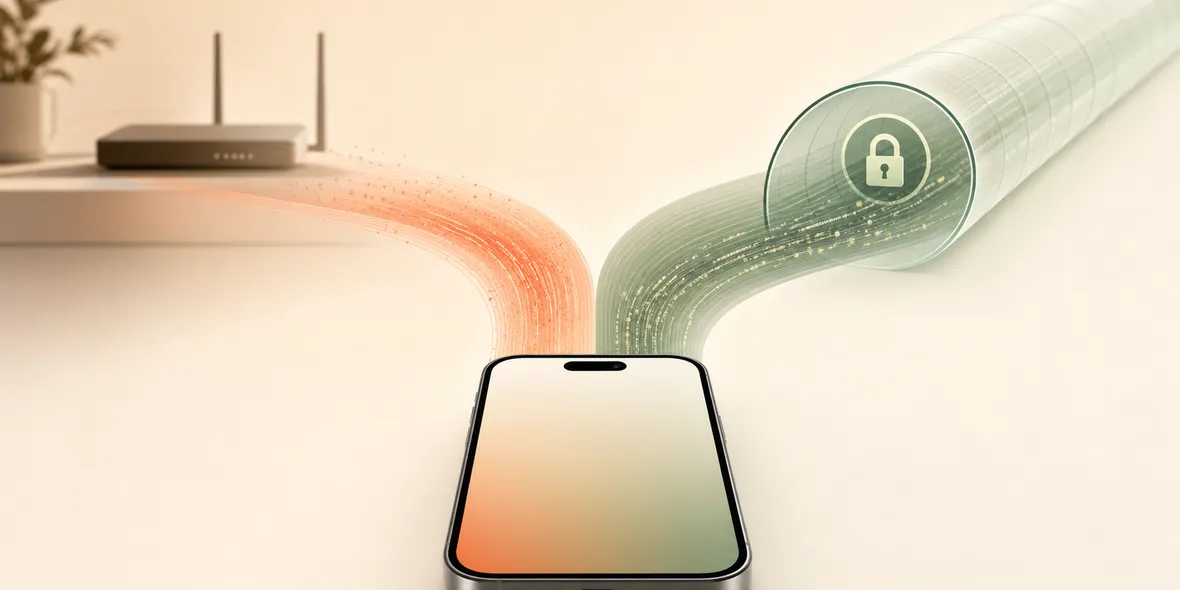
When a VPN is connected, your internet provider or Wi-Fi network generally sees that you are connecting to a VPN service, but not the same browsing details it might otherwise observe at the network layer. The VPN provider becomes an important trust point, so its privacy wording matters.
Best For
Search Intent
The reader wants to know what their ISP or Wi-Fi provider can see when a VPN is active.
Shareable Angle
A VPN changes who you need to trust. That is why vague privacy slogans are not enough.
One of the most common VPN questions is: can my internet provider still see what I do?
The answer is not a simple yes or no. A VPN changes the path of your connection. It can reduce what the local network or internet provider sees at the network layer, but it also means you need to trust the VPN provider.
That trust shift is important.
A VPN should not be chosen only because it says “private.” It should clearly explain what it does, what it does not collect, and how the service works.
The Simple Answer
When your VPN is connected, your internet provider or Wi-Fi network generally sees that your iPhone is connecting to a VPN server.
It should not see the same browsing-level details it might otherwise observe at the network layer. Your traffic is routed through the VPN tunnel.
But the VPN provider becomes an important trust point. That is why you should look for specific data boundary language, not vague promises.
A Real Situation
You are on hotel Wi-Fi. The hotel network may know your device connected to its network. If you turn on a VPN, the network may see a connection to the VPN service.
But your browsing traffic is now inside the VPN tunnel between your iPhone and the VPN provider.
That helps with the hotel network layer. It does not mean every online action is invisible. If you sign into your email, the email service still knows. If you use a shopping app, that app still knows. If you share your location with an app, the VPN does not undo that permission.
What The Network May Still Know
Even with a VPN, the local network may still know practical details such as:
- your device is connected to Wi-Fi
- how long you are connected
- that traffic is going to a VPN server
- rough amount of data used
- your device’s network presence
That does not mean the VPN is useless. It means a VPN has a specific job.
The job is connection-layer protection, not total invisibility.
Why The VPN Provider Matters
When you use a VPN, you are trusting the VPN service to handle your connection responsibly.
That is why privacy wording matters. Look for concrete statements such as:
- does not collect browsing history
- does not collect visited URLs
- does not collect DNS query details
- does not collect raw traffic content
- explains diagnostics, account data, support data, and usage
Avoid choosing based only on dramatic slogans. A trustworthy VPN should be easy to understand before you connect.
What To Ask Before Using A VPN
Ask these questions:
- Is the app the full VPN service, or only a client?
- Are official locations built in?
- Do I need an external subscription link or QR code?
- What browsing-related data does the service say it does not collect?
- Can I see usage clearly?
- Is support easy to reach?
- Does the app explain its privacy boundary in plain language?
You do not need to be a network engineer. You need clear answers.
Where Sovatun Fits
Sovatun is built as an all-in-one iPhone VPN. Official locations are built into the app, so users do not need to buy nodes somewhere else or import unknown configuration links.
Sovatun is also careful about privacy wording. It does not claim to solve every privacy problem. The specific statement is: Sovatun does not collect browsing history, visited URLs, DNS query details, or raw traffic content.
That is more useful than a broad slogan because users can understand the boundary.
Bottom Line
A VPN can reduce what your internet provider or Wi-Fi network sees at the connection layer.
But it also means you are trusting the VPN provider. Choose one that explains its service clearly, avoids exaggerated promises, and makes usage and privacy boundaries easy to understand.
Quick Questions
Can my Wi-Fi provider see websites if I use a VPN?
With a VPN connected, the local Wi-Fi provider generally sees the VPN connection rather than the same site-level details. But the VPN provider becomes part of the trust chain.
Can my internet provider see that I use a VPN?
Yes, it may be able to see that your device is connecting to a VPN server.
What should I check in a VPN?
Look for specific privacy wording, official locations, clear usage, support, and honest limits.