Using a VPN Only When You Need It: A Simple iPhone Habit
A practical iPhone VPN routine for people who do not want to leave a VPN on all day but still want shared Wi-Fi protection.
Quick Answer
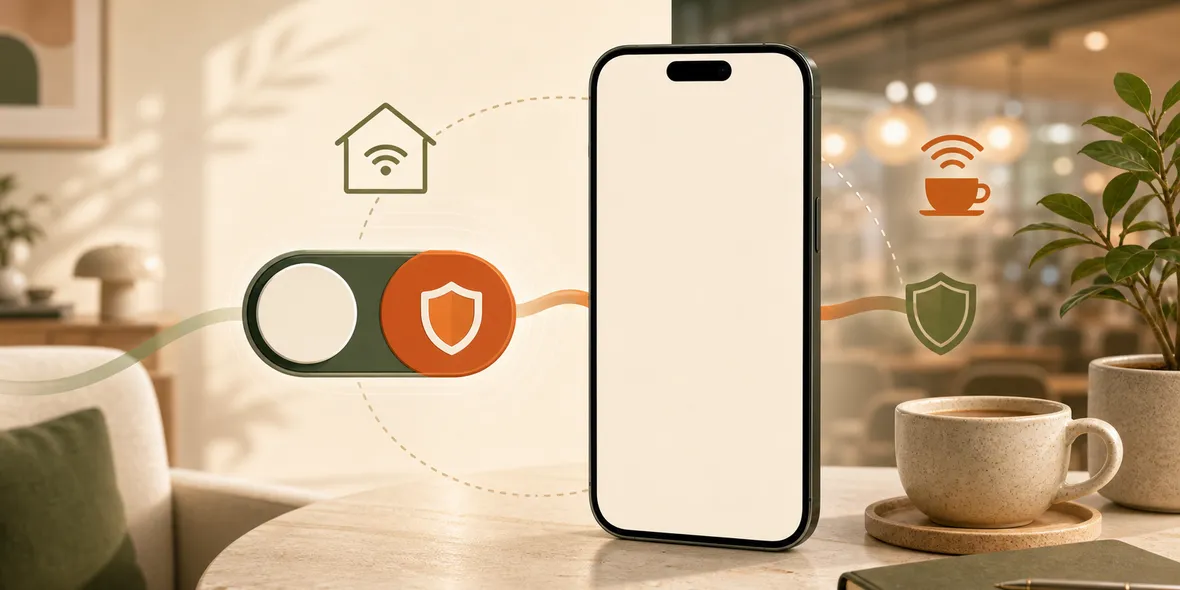
Yes. Many normal iPhone users can use a VPN only when they need it, especially before joining public Wi-Fi or opening accounts on shared networks. The key is to know your routine: turn it on before hotel, airport, cafe, campus, station, or shared office Wi-Fi, then turn it off later if you want.
Best For
Search Intent
The reader wants to know whether VPN use can be occasional instead of always-on.
Shareable Angle
A VPN does not have to be all-day or never. For many people, the best routine is on when the network is not yours.
Some VPN advice makes it sound like you have only two choices: leave it on forever or never use it.
That is not how many normal iPhone users think.
The simple answer is yes, you can use a VPN only when you need it. For many people, that is the most practical routine.
When “Only When Needed” Makes Sense
Use a VPN when the network is not yours.
That usually means:
- hotel Wi-Fi
- airport Wi-Fi
- cafe Wi-Fi
- campus Wi-Fi
- train station Wi-Fi
- shared office Wi-Fi
- vacation rental Wi-Fi
These are networks you do not control. You may not know who set them up, who else is connected, or whether the network name is real.
Turning on a VPN before using accounts on those networks is a practical habit.
When You May Not Need It
You may not need a VPN every second on trusted home Wi-Fi or stable mobile data for ordinary browsing.
That does not mean a VPN is useless. It means the value depends on the moment.
If you are watching a long video on your own home network, you may not want to use limited VPN traffic. If you are opening work email at a hotel, turning it on makes much more sense.
Why This Helps With Free Traffic
If your VPN includes a traffic allowance, on-demand use becomes even more practical.
You can spend VPN traffic on important moments instead of burning it in the background. This is especially useful when the app shows usage clearly.
Clear usage helps you see whether you used a little for browsing or a lot because cloud sync, video, or downloads ran through the tunnel.
A Simple Routine
Try this:
- Leave the VPN off on trusted home Wi-Fi.
- Turn it on before joining public Wi-Fi.
- Keep it on while opening accounts, email, bookings, or files.
- Check usage after heavier tasks.
- Turn it off when you are back on trusted Wi-Fi or mobile data.
This routine is easier than worrying about a perfect rule.
Where Sovatun Fits
Sovatun is built for this kind of simple use. It is an all-in-one iPhone VPN with official locations built in, one-tap connection, and 5GB of free VPN traffic to start.
Because Sovatun does not require external configuration links, separate node purchases, or QR profile imports, it fits moments where you want to connect quickly.
Sovatun also does not collect browsing history, visited URLs, DNS query details, or raw traffic content.
Use Sovatun when you want an iPhone VPN you can turn on only when the network deserves extra care.
Bottom Line
You do not have to use a VPN all day to get value from it.
For many iPhone users, the best routine is simple: turn it on before shared Wi-Fi, use it for the task, and keep an eye on usage.
Quick Questions
Is it okay to turn a VPN on and off?
Yes. Many users turn a VPN on for shared Wi-Fi and off later when they return to trusted Wi-Fi or mobile data.
When should I turn it on?
Turn it on before using hotel, airport, cafe, campus, train station, vacation rental, or shared office Wi-Fi.
Why does Sovatun fit this routine?
Sovatun is designed for quick one-tap connection, official locations, and clear usage, which works well for on-demand VPN habits.