VPN Protection Across iPhone Apps: Safari Is Not the Only Place It Matters
A plain explanation of how an iPhone VPN works across apps, browsers, and shared Wi-Fi connections.
Quick Answer
An iPhone VPN usually works at the device connection layer, so it can apply to network traffic from apps as well as Safari while the VPN is connected. But it does not control what each app collects inside its own service, and it does not make unsafe links or fake login pages safe.
Best For
Search Intent
The reader wants to know whether an iPhone VPN affects all apps or only browser traffic.
Shareable Angle
A VPN is not just a Safari button. But it also does not control what every app does after you sign in.
Many iPhone users think a VPN is only for Safari.
That makes sense. People often imagine VPNs as something you use before browsing websites. But on iPhone, a VPN usually works deeper than one browser tab.
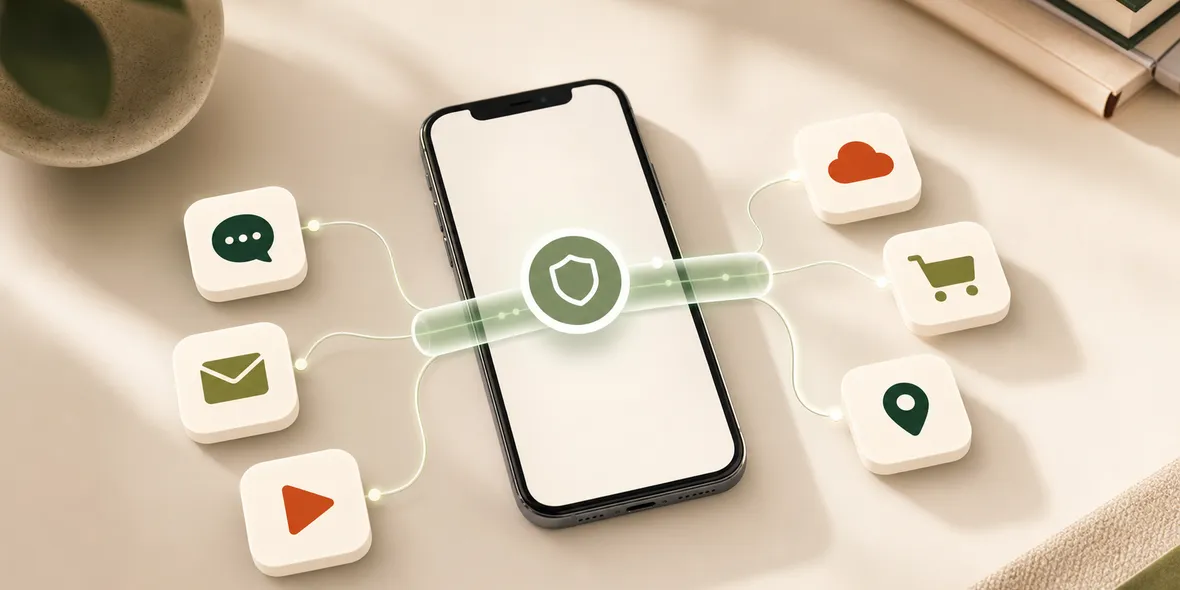
When the VPN is connected, network traffic from apps can also use the VPN tunnel. That includes email apps, messaging apps, cloud apps, shopping apps, travel apps, and work tools.
But there is an important limit: the VPN helps with the connection layer. It does not control what every app collects inside its own account system.
The Simple Answer
An iPhone VPN is not only for Safari.
When connected, it usually routes device network traffic through the VPN tunnel. That means many apps can benefit from the same connection-layer protection when you are using shared Wi-Fi.
Still, a VPN does not make every app private. If an app collects account data, usage data, purchase history, or messages inside its own service, the VPN does not erase that.
Think of it this way: the VPN helps with how your iPhone reaches the internet. It does not rewrite every app’s privacy policy.
A Real Situation
You are in a cafe. You open Safari, then email, then a cloud drive, then a travel app, then a messaging app.
If you only think of VPN as a browser tool, you may turn it on too late or assume it only matters for websites.
The better habit is simpler: turn on the VPN before you start using personal apps on public Wi-Fi.
That way, you are not making a separate decision for every app.
What Apps Still Control
A VPN does not stop an app from knowing what happens inside the app.
For example:
- an email service still knows which account you use
- a shopping app still knows what you add to cart
- a travel app still knows your bookings
- a messaging app still manages messages and contacts
- a cloud app still manages files and permissions
The VPN is not a replacement for app privacy settings, account security, or careful link habits.
This is why honest VPN wording matters. “Connection-layer protection” is specific. “Private everything” is not.
Why This Matters On Public Wi-Fi
Public Wi-Fi is where app traffic can feel easy to forget.
You may not be “browsing” in Safari, but you are still using the network. Apps refresh, sync, upload, download, and sign in.
If the network is a hotel, airport, cafe, campus, train station, or shared office network, you do not control it. Turning on a VPN before using apps is a simple way to add a private tunnel for the connection.
It is not dramatic. It is practical.
What To Do Before Using Apps On Shared Wi-Fi
Use this routine:
- Confirm the Wi-Fi name if possible.
- Avoid suspicious duplicate network names.
- Turn on your VPN before opening personal apps.
- Use trusted apps instead of random links when possible.
- Keep two-factor authentication on for important accounts.
- Watch for fake login pages and urgent popups.
- Disconnect from Wi-Fi when you leave.
This routine works whether you are using Safari or apps.
Where Sovatun Fits
Sovatun is designed for normal iPhone users who want one simple VPN app with official locations built in.
You do not need an external node provider, a subscription URL, a QR import, or manual protocol setup. You open the app and connect before using shared Wi-Fi.
Sovatun also keeps its privacy boundary specific: it does not collect browsing history, visited URLs, DNS query details, or raw traffic content.
Bottom Line
A VPN is not only for Safari. On iPhone, it can help with app network traffic too.
But it does not control what each app collects after you sign in. Use the VPN for the connection layer, and keep normal account safety habits for the app layer.
Quick Questions
Does a VPN protect apps on iPhone?
When connected, an iPhone VPN generally applies at the connection layer, so app traffic can go through the VPN tunnel. App-level data collection is still controlled by each app.
Does a VPN make social apps private?
No. A VPN helps with the network connection, but social apps still manage accounts, messages, metadata, ads, and their own privacy settings.
Why does Sovatun talk about connection-layer protection?
Because it is more accurate than saying a VPN protects every part of privacy.