VPN Not Connecting on Public Wi-Fi: Common iPhone Causes
A beginner-friendly troubleshooting guide for VPN connection problems on hotel, cafe, venue, library, and travel Wi-Fi.
Quick Answer
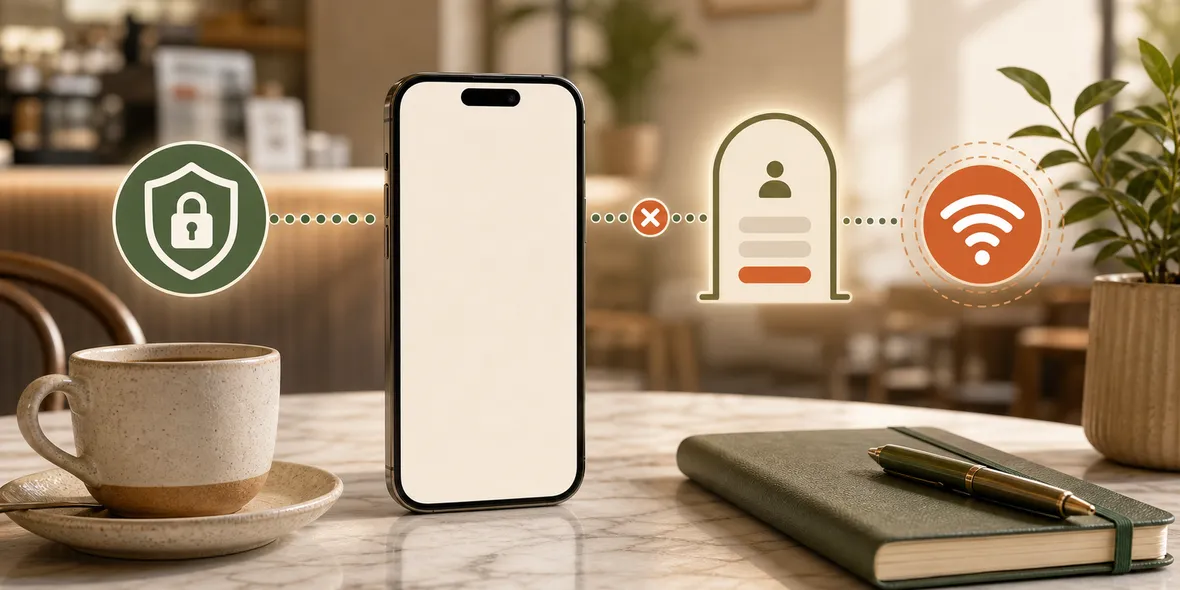
A VPN may fail on public Wi-Fi because the network login page is not completed, the Wi-Fi blocks VPN traffic, the signal is weak, the network requires terms acceptance, or the VPN app cannot reach its server. Start by opening a normal website, completing the official login page, then reconnecting the VPN.
Best For
Search Intent
The reader wants to understand why a VPN will not connect on public Wi-Fi and what simple steps to try.
Shareable Angle
Sometimes your VPN is not the problem. The public Wi-Fi has not really let you online yet.
You join public Wi-Fi, open your VPN app, tap connect, and nothing happens.
It spins. It fails. It says it cannot reach the server. Or it connects for one second and drops.
The simple answer: public Wi-Fi often has extra steps or restrictions. Your VPN app may be fine, but the network may not be fully open yet.
The Most Common Reason
The most common reason is the login page.
Hotels, cafes, libraries, stations, and venues often use a page where you accept terms, enter a room number, provide an email, or tap a button before the internet really works.
Your iPhone may show Wi-Fi as connected, but the network may still block most traffic until that page is complete.
If your VPN tries to connect before that, it can fail.
Quick Fix: Open A Normal Website
Try this:
- Turn VPN off for a moment.
- Open Safari.
- Visit a simple website.
- Wait for the Wi-Fi login page.
- Complete the official page.
- Confirm a normal website loads.
- Turn VPN back on.
This solves many public Wi-Fi VPN problems.
Other Reasons VPN May Fail
If the login page is complete and VPN still fails, there are other possibilities.
The network may block VPN traffic. Some public networks do this to control traffic or reduce support issues.
The Wi-Fi signal may be weak. VPN connections can be more sensitive to unstable networks.
The network may be overloaded. A crowded cafe, hotel lobby, or venue can have a connection that works badly for everyone.
Your account may be out of VPN traffic or temporarily restricted.
The VPN server location may be having issues, so trying another official location can help.
What Not To Do
Do not install random profiles, certificates, or third-party VPN configurations just because a public Wi-Fi page suggests something strange.
Do not assume a network is safe because a VPN failed. It may be the opposite: the network may be too restrictive or unreliable.
Do not keep retyping sensitive passwords while troubleshooting. Get the connection stable first.
How Sovatun Helps
Sovatun is designed to make the VPN side less confusing.
The app uses official locations built in. You do not need to buy separate nodes, paste subscription links, scan QR profiles, or wonder whether the app or the node provider is responsible.
If Sovatun does not connect on a public network, the first steps are simple: complete the Wi-Fi login page, check that normal browsing works, then try Sovatun again or switch networks.
Sovatun also shows usage clearly, so you are not guessing whether traffic availability is part of the problem.
It does not collect browsing history, visited URLs, DNS query details, or raw traffic content.
Bottom Line
If VPN will not connect on public Wi-Fi, check the login page first.
Then check signal, network restrictions, traffic allowance, and location choice. A good VPN should make troubleshooting understandable, not send you into a maze of config files.
Quick Questions
Why does VPN fail before the Wi-Fi login page?
Many public Wi-Fi networks block internet access until you accept terms or complete a captive portal page.
Can public Wi-Fi block VPN?
Yes. Some networks restrict VPN traffic or certain connection types.
What should I try first?
Open a normal website, complete the official Wi-Fi login page, confirm the internet works, then reconnect the VPN.