Work Email on Shared Wi-Fi: A Simple VPN Habit for iPhone
A practical guide for checking work email on cafe, hotel, airport, campus, and shared office Wi-Fi.
Quick Answer
Yes, using a VPN before opening work email on shared Wi-Fi is a sensible habit. A VPN helps with the connection layer, while your email security still depends on strong passwords, two-factor authentication, trusted links, and your company's account settings.
Best For
Search Intent
The reader wants to know whether work email needs a VPN on shared Wi-Fi.
Shareable Angle
Work email is often the first sensitive thing people open on public Wi-Fi. Turn the tunnel on before the inbox.
Work email is one of the first things people open on public Wi-Fi.
You arrive at a hotel, sit in a cafe, wait at an airport, or use a shared office network. You pull out your iPhone and check your inbox.
That feels normal. But because work email often contains account links, documents, invoices, attachments, and internal conversations, it deserves a better routine.
The routine does not need to be complicated: connect the VPN before opening the inbox.
The Simple Answer
Yes, using a VPN before opening work email on shared Wi-Fi is a sensible habit.
A VPN helps with the connection layer on networks you do not control. That includes hotel Wi-Fi, cafe Wi-Fi, airport Wi-Fi, campus Wi-Fi, train station Wi-Fi, and shared office Wi-Fi.
But a VPN does not replace work account security. You still need strong passwords, two-factor authentication, careful link habits, device updates, and any company security requirements.
A Real Situation
You are in a hotel lobby before a meeting. You connect to the hotel Wi-Fi and open work email.
Inside the inbox, you may see meeting links, document invitations, calendar changes, password reset messages, invoices, or file attachments.
Some of those links may be legitimate. Some may be phishing attempts. The network may be official, but still shared. The Wi-Fi may also have a login page or weak signal.
This is exactly the kind of moment where a simple VPN habit helps.
What A VPN Helps With
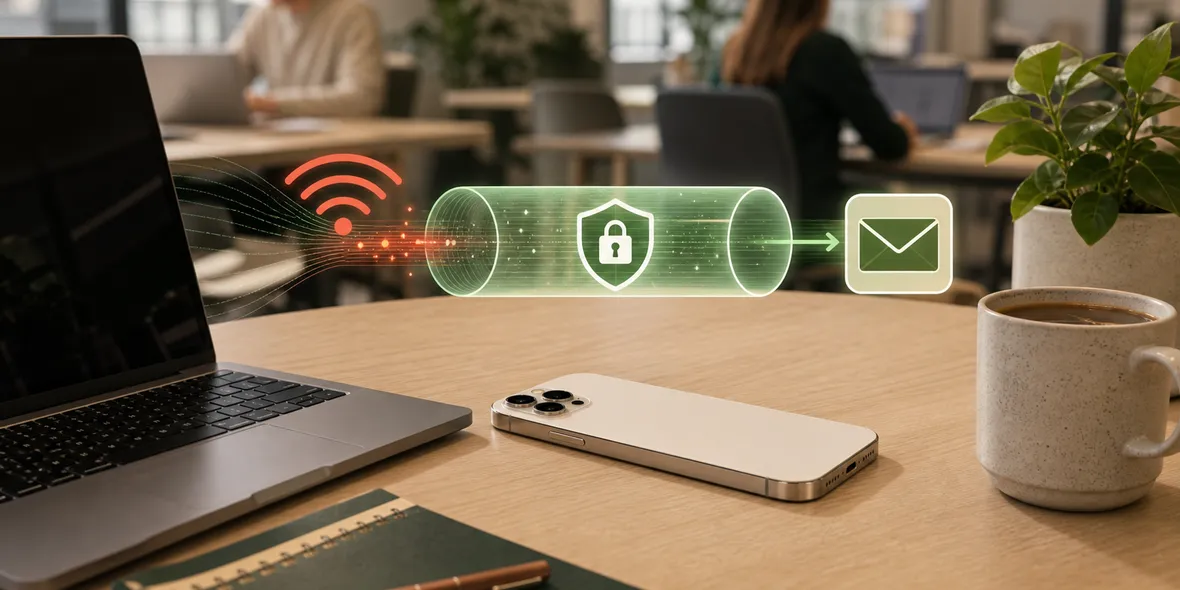
A VPN creates a private tunnel for your iPhone connection.
For work email on shared Wi-Fi, that helps because:
- you do not control the local network
- other people may be using the same network
- the router settings are unknown
- the network may have captive portals
- you may open sensitive account links
- email apps may sync in the background
The VPN is not the whole security story, but it is a useful first layer.
What A VPN Does Not Fix
A VPN does not:
- verify every email link
- stop every phishing message
- prevent you from typing a password into a fake page
- replace two-factor authentication
- control your company’s email settings
- protect a compromised email account
That is why the best advice is layered.
Turn on the VPN for the network. Use account security for the inbox.
A Safer Work Email Routine
Before opening work email on shared Wi-Fi:
- Confirm the Wi-Fi name.
- Complete any login page before turning on the VPN.
- Turn on your VPN.
- Open work email from the trusted app.
- Avoid unexpected attachments.
- Check domains before signing in.
- Use two-factor authentication.
- Use mobile data if the Wi-Fi feels unstable or suspicious.
This routine is easy enough to repeat while traveling.
Why Setup Friction Matters
Remote workers often need a VPN quickly.
If the VPN app asks for a third-party config, subscription link, QR code, external node provider, or protocol choice, the user may skip it.
That is not a small problem. A VPN that is too hard to start may not be used when it matters.
For work email, speed and clarity matter.
Where Sovatun Fits
Sovatun is built for iPhone users who want a download-and-use VPN experience. Official locations are built in, so users do not need to manage external node providers or imported profiles.
For work email on shared Wi-Fi, the practical routine is simple: join the network, complete the Wi-Fi login if needed, turn on Sovatun, then open the inbox.
Sovatun also keeps usage visible and does not collect browsing history, visited URLs, DNS query details, or raw traffic content.
Bottom Line
Work email is worth treating carefully on shared Wi-Fi.
Use a VPN before opening it, but do not stop there. Keep two-factor authentication on, check links, avoid suspicious attachments, and use mobile data when the network feels wrong.
Quick Questions
Should I use VPN for work email on public Wi-Fi?
Yes, it is a sensible connection-layer habit, especially on hotel, airport, cafe, campus, and shared office Wi-Fi.
Does a VPN protect my work account?
A VPN helps with the network connection. Account security still depends on passwords, two-factor authentication, device policies, and link safety.
Why use Sovatun for this?
Sovatun is designed for quick iPhone use with official locations built in and clear usage, so workers do not need config links or external node providers.